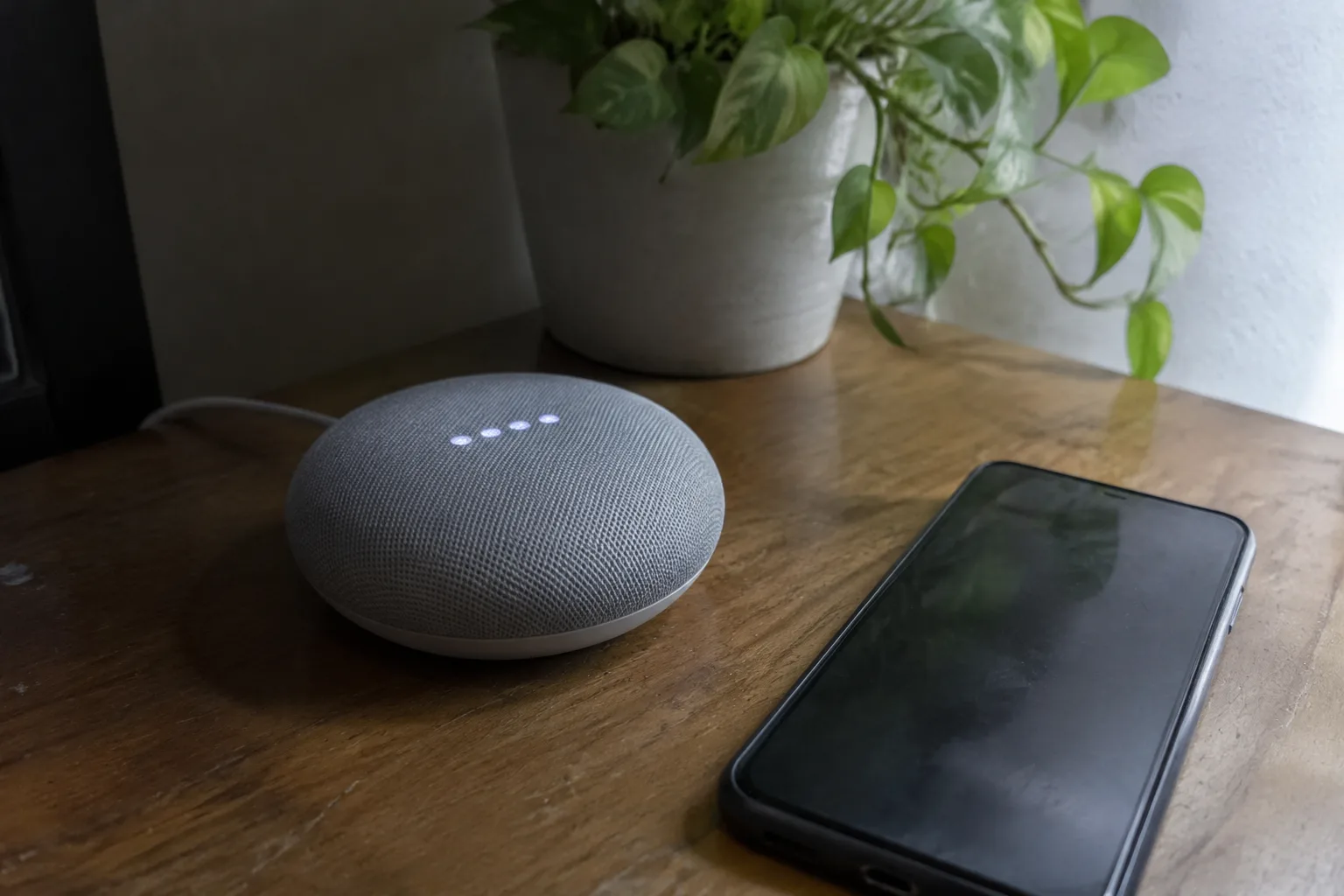
A smart home hub is the one box in the house that every other box talks to, and the buying decision usually gets made in the wrong order. People pick a speaker, add a doorbell, buy two bulbs on sale, then discover the hub they own supports neither the doorbell nor the bulbs. The requirements worth checking before any device comes through the door are duller than the devices themselves: radio protocols, local processing, the age of the chip inside, the size of the account ecosystem behind it. Dull, and decisive.
The order matters because the hub is the only purchase in a smart home that gets harder to change later. A bulb can be replaced in four minutes. A hub anchors every automation, every routine, every device that depends on it, and swapping it means re-pairing a house.
The radio list comes before the brand list
Every hub is a small radio collection wearing a plastic shell. The useful question is which radios, and whether they can run at the same time without stepping on each other.
Zigbee and Z-Wave are the two workhorses for sensors, switches, and locks. They run on their own mesh networks, sip power, and keep working when the internet drops. Wi-Fi handles cameras and anything that streams. Thread is the newer low-power mesh, and Matter is the standard that lets devices from different brands speak a common language. Bluetooth shows up for locks and proximity tricks, usually as a fallback rather than a foundation.
A hub missing Zigbee or Z-Wave is not necessarily wrong, but it narrows the future to Wi-Fi devices, and Wi-Fi devices multiply on a router the way rabbits do. A hub with both, plus Thread, covers nearly everything on a shelf today.
The trap is assuming a logo on the box means compatibility. Matter certification is real and useful, but it does not guarantee every feature of a device will work through every hub. A Matter lock may pair fine and still lose its fingerprint reader in the app. The compatibility list on the hub maker's site, checked device by device, is the only honest source.
What happens when the internet goes out
This is the test that separates a hub from a cloud service with a plastic lid. Unplug the router for an afternoon and see what still works: lights, locks, the thermostat schedule, the motion sensor that turns on the hallway lamp.
Cloud-dependent hubs fail this test completely. Every command travels to a server farm and back, so a dead connection means a dead house. Local-first hubs keep automations on the box itself, and the difference shows up in the small daily moments: the light comes on at the same instant the door opens, with no half-second of hesitation while a request crosses an ocean.
A hub that processes locally also tends to be faster in ways that are hard to describe and easy to feel. Motion-triggered lights snap on. Scenes fire without the little pause that makes a person press the button twice.
The processor and memory inside the box
Hub spec sheets rarely lead with the chip, which is a shame, because the chip decides how the hub feels in year three. A modest processor and a gigabyte of memory handle a dozen devices without complaint. Forty devices, a handful of cameras, and a wall of automations is a different job.
The symptom of an underpowered hub is lag that arrives gradually. Automations that fired instantly in January take a second by summer. The app takes a beat longer to load. Nothing has broken, exactly, but the house has gotten sluggish in a way that is hard to pin on any single device.
Buying headroom on the chip is cheaper than buying a second hub later. A device with a mid-range processor and enough memory to hold every automation in local storage will feel the same in year four as it did on day one, which is the quietest compliment a piece of home hardware can earn.
The ecosystem question nobody asks at checkout
A hub is a promise about the next five years, and the promise is only as good as the company behind it. The graveyard of abandoned smart home platforms is crowded: products that worked beautifully and then lost their servers, their apps, their support, and eventually their reason to exist.
The check is unglamorous. Does the maker have a track record of updates? Is the app still being maintained? Are there forums where users report problems and get answers? A hub from a company with a long history in home networking or home automation is a safer bet than one from a startup that launched at a trade show and never shipped a second product.
Privacy belongs in the same conversation. A hub that keeps automations local keeps a household's schedule on a box in the closet. A hub that routes everything through the cloud knows when the house is empty, when the lights go off, and when the front door opens. That data has a market. Reading the privacy policy before buying is not paranoia; it is the same diligence a person applies to a bank account.
Ports and the physical realities of the closet shelf
The hub lives wherever the router lives, and that spot is usually a cramped shelf behind a couch or inside a media cabinet. Two things get forgotten there: power and ports.
A hub with an Ethernet port should use it. A wired connection to the router removes one more thing that can fail, and it frees Wi-Fi bandwidth for the devices that genuinely need it. A hub without Ethernet is fine for a small apartment, less fine for a house with twelve Wi-Fi devices already competing for airtime.
Power matters too. Some hubs are USB-powered and can run from a battery pack during an outage, which keeps the mesh alive when the lights are off. Others need a wall adapter and die with the grid. Neither is wrong, but the difference is worth knowing before the first storm.
Counting devices before buying the hub
The most common mistake is buying a hub sized for the house a person has now, not the house they will have in two years. The device count grows faster than anyone expects. A door sensor here, a leak detector there, a smart plug for the holiday lights, and suddenly a hub rated for twenty devices is straining.
The safe planning number is roughly double the current count. A household with six smart devices today should buy a hub that comfortably handles fifteen to twenty. The extra capacity costs little and buys years of headroom.
There is a second limit that rarely appears in the marketing: the number of devices a single radio can mesh. Zigbee and Z-Wave networks have practical ceilings, and a hub with one radio per protocol will hit them. A hub with multiple radios, or the ability to add a second unit as a range extender, avoids the day when the far bedroom sensor stops responding because the mesh got too thin.
The subscription line item hidden in the fine print
Some hubs are cheap to buy and expensive to own. The cost shows up as a monthly fee for cloud recording, advanced automations, or remote access, and it can run higher than the hub's purchase price within a year.
The question to ask before buying is simple: which features work without a subscription? Local automations, device control, and basic scenes should all function on the box itself. If remote access or camera history requires a monthly plan, that is a legitimate business model, but it belongs in the budget from the start.
A hub with no subscription and local processing costs more upfront and less forever. The math usually favors it, and the household that avoids a recurring charge tends to keep the hub longer.
A five-minute test before the first device gets paired
Before anything gets added, the hub should pass a short checklist that has nothing to do with the devices themselves.
Unplug the router and confirm the lights still respond. Check that the app loads over a cellular connection, not just the home Wi-Fi. Add one device, then a second of a different brand, and watch whether they appear in the same place and can be controlled together. If the second device needs a separate app, the hub is not doing its job.
Then leave it alone for a week. A hub that quietly holds a schedule, fires the morning routine, and never needs a reboot is a hub that will survive the next round of devices. The one that drops a sensor or forgets a scene has already told the household what year three will feel like.
A hallway light that comes on the instant a door opens, with no app, no cloud, no pause, is the whole point. The hub that delivers it is the one worth keeping.


