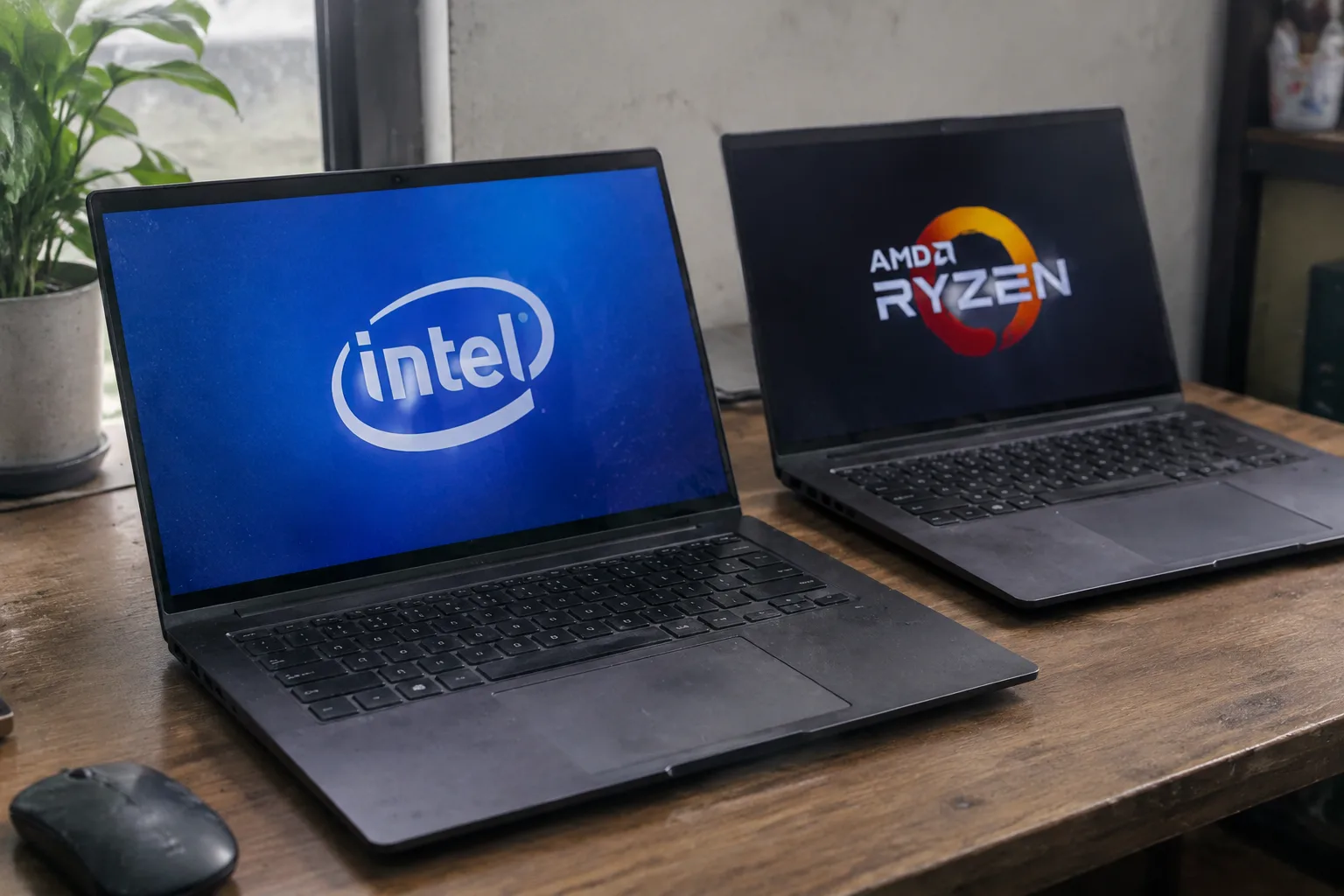
The sticker on the laptop lid says Intel Core i7. The sticker on the one beside it says AMD Ryzen 7. Both machines cost about the same, both have 16 gigabytes of memory and a 512-gigabyte drive, and both will run a browser with thirty tabs open without complaint. The honest answer to which one is better is that the question is malformed: there is no single winner, and anyone claiming otherwise is selling something. But the practical answer matters, because the two chips behave differently in ways a shopper can actually feel.
Intel spent years as the default. A generation of laptops shipped with Core processors because that was what the supply chain offered, and the brand became shorthand for "computer." AMD spent those same years in the budget bin, and deservedly so during the Bulldozer era, when its chips ran hot and slow. The Ryzen line, launched in 2017, reset that reputation. By the time Ryzen 4000 and 5000 mobile parts arrived, AMD was matching Intel on raw speed and beating it on battery life in thin laptops. The market noticed: AMD's share of laptop processors climbed from near nothing to a substantial slice within a few years.
So the comparison is genuinely close now, which is why the sticker matters less than the machine around it. A fast chip throttled by a thin chassis and a weak fan will lose to a slower chip with room to breathe. That single fact explains more real-world laptop performance than any spec sheet.
What the core counts actually mean on a laptop
AMD's mobile lineup leans on core count. A Ryzen 7 7840U carries eight cores and sixteen threads; Intel's competing Core Ultra 7 155U runs two performance cores, eight efficiency cores, and two low-power cores, for twelve cores and fourteen threads. The numbers are not directly comparable, and that is the trap. AMD's cores are all the same kind. Intel's are split into fast cores for heavy work and slower, more efficient cores for background tasks, a design Intel calls hybrid architecture.
In practice, the hybrid split works well for the way laptops get used. A video call, a spreadsheet, and a dozen browser tabs do not need eight identical fast cores; they need a scheduler that parks light work on efficient cores and wakes the fast ones when a heavy task appears. Intel's Thread Director handles that assignment, and on recent generations it does so competently. AMD's uniform cores are simpler to reason about and often deliver more sustained multi-core throughput in a chassis that can cool them.
For a buyer, the translation is blunt: heavy exporting, compiling, or rendering favors more identical cores and good cooling, which often points to AMD. Bursty, mixed office work with long battery life as the priority frequently favors Intel's efficiency-core design. Both handle email.
The integrated graphics gap that decides thin-and-light picks
Integrated graphics used to be an afterthought. It stopped being one when AMD put Radeon cores on its Ryzen dies and Intel answered with Iris Xe, then Arc. The current comparison: AMD's Radeon 780M, found in Ryzen 7040 and 8040 series chips, is the strongest integrated GPU in a mainstream laptop. It can run older and lighter games at 1080p with settings dialed down, and it handles video encoding briskly. Intel's Arc integrated graphics, on Core Ultra parts, closed most of the gap and beats AMD on some media engines, particularly AV1 encoding.
This matters for anyone who edits video on a laptop without a discrete GPU, or who wants to play something like Hades or Civilization on a plane. The 780M is the safer bet for gaming; Intel's media engine is the safer bet for exporting footage. Neither replaces a real graphics card, and neither should be expected to run a current AAA title at high settings. A laptop with a discrete GPU from either vendor sidesteps the question entirely.
Battery life divides along vendor lines more than chip lines
The most reliable generalization in mobile computing is that AMD chips idle at lower power than Intel chips. Ryzen laptops routinely squeeze an extra hour or two out of the same battery cell, particularly in light use: writing, reading, video playback. Intel has narrowed this with its low-power efficiency cores and the aggressive sleep states in Core Ultra, and some Intel machines now match AMD on a video-loop test.
The screen, though, will decide the outcome. A laptop with a 4K OLED panel at high brightness will drain faster than the same chassis with a 1080p IPS panel, regardless of which chip sits underneath. A shopper comparing two machines on battery should compare their screens and their watt-hour ratings first. The processor's contribution is real but smaller than marketing departments imply.
Why the same chip performs differently in two laptops
Laptop processors are sold with a configurable power range. A Ryzen 7 7840U can be set by the manufacturer to run anywhere from roughly 15 watts to 30 watts. An Intel Core Ultra 7 155U has a similar base-power window with turbo headroom above it. The manufacturer picks the setting, and a thin ultralight will pick the low end to keep the fan quiet and the chassis cool. A chunkier machine will pick the high end and let the chip stretch.
This is why two laptops with identical processors can differ by thirty percent in sustained performance. Reviewers who benchmark for ninety seconds miss it; the difference shows up in the fourth minute of a video export, when the thin machine has already throttled and the thick one has not. A buyer reading reviews should look for sustained benchmarks, not burst scores, and should treat a thin chassis with a high-end chip as a warning sign rather than a selling point.
Software compatibility is no longer the AMD problem it once was
Older advice warned that some applications ran poorly on AMD because developers optimized for Intel's compilers and instruction sets. That gap has largely closed. Mainstream creative software, browsers, office suites, and development tools run equivalently on both. The exceptions are narrow: a few engineering and scientific packages still favor Intel, and some older games with anti-cheat or driver quirks behave better on Intel graphics.
A buyer with a specific, unusual application should check its forums before choosing. Everyone else can stop worrying. The compatibility question that dominated AMD advice a decade ago has faded to a footnote.
The price and availability calculation
AMD laptops tend to cost less for equivalent specs, partly because AMD prices its chips aggressively and partly because manufacturers treat Ryzen as the value option in a lineup. The same chassis with a Ryzen 7 often undercuts the Intel version by a meaningful margin, and the gap widens on sale. Intel machines hold resale value slightly better and appear in more configurations, particularly in business lines where IT departments have standardized on vPro.
The practical consequence: a shopper who wants the most performance per dollar in a thin laptop should look hard at AMD. A shopper who needs a specific business feature, a particular port layout, or a model that only ships with Intel should not feel punished; the Intel part is entirely capable.
Matching the chip to the work instead of the sticker
For a student writing papers and browsing, either vendor works and the cheaper machine wins. For a developer compiling code, an AMD chip with more identical cores and a chassis that can cool it is the more productive choice. For a video editor working without a discrete GPU, Intel's media engine and Arc graphics are worth the premium. For a traveler who lives on battery, AMD's idle efficiency has a slight edge, provided the screen is not a power-hungry panel.
Those recommendations are loose because the machine matters more than the badge. The processor is one component in a system that includes thermal design, memory, storage, screen, and keyboard. A well-built laptop with a mid-tier chip will outperform a poorly built one with a top-tier chip, every time, and the spec sheet will not reveal which is which.
The generation number on the box outranks the brand
A Ryzen 5 7530U and a Ryzen 5 7640U share a name and almost nothing else; the latter is a newer architecture with a much stronger graphics core. Intel's naming got murkier with Core Ultra, where the first digit signals generation and the suffix signals power class, and a Core i7 from three years ago can lose to a current Core i5. The generation and the specific model number carry more information than the vendor name.
A shopper who reads only "Intel Core i7" or "AMD Ryzen 7" is reading a marketing label, not a specification. The full model number, the wattage the manufacturer allows, and the cooling design are the facts that predict how the machine will feel in the third year of ownership, when the fan has collected dust and the battery has lost a fifth of its capacity.
The sticker on the lid is the least interesting thing about the laptop. The interesting thing is what the manufacturer did with the chip inside it, and that is visible only in sustained benchmarks, teardown photos of the cooling system, and the watt-hour rating printed on the battery. A buyer who checks those three things will pick well regardless of which logo is on the palm rest.


