A small accounting firm keeps seven years of client ledgers on a single external drive that lives in the top drawer of a reception desk. The drive is fine. The drawer is fine. The building, however, sits two blocks from a river that has crested its banks twice in the past decade, and nobody at the firm has ever run the numbers on what a flood would do to that drawer. This is the ordinary shape of the local backup problem: the data exists, the redundancy does not, and the gap stays invisible until the day it isn't.
The cloud versus local question gets framed as a technology choice. For a small business, it is closer to an insurance decision with a monthly premium and an unspoken deductible. Both options work. Both fail in specific, predictable ways. The useful work is figuring out which failure mode a given business can actually survive.
What "local" actually means once the drive is plugged in
A local backup is any copy that lives on hardware the business physically controls: an external hard drive, a NAS box in the closet, a second desktop in the back office, a stack of USB sticks in a fireproof safe. The appeal is obvious. No subscription, no upload wait, no third party holding the keys. A 4 TB drive costs less than a year of most cloud plans, and restoring a file takes as long as it takes to find the right folder.
The catch is that local backups inherit the geography of the business. They sit in the same building as the originals, which means the fire, the flood, the break-in, and the burst pipe that takes out the computers also take out the backups. A NAS in the closet is a second copy in the same room as the first copy. That is redundancy in the way that two life jackets in the same boat are redundancy.
There is a version of local backup that avoids this: the drive that goes home with the owner every Friday and comes back Monday. It works, and it depends entirely on a human remembering to unplug it, carry it, and plug it back in. Small businesses run on that kind of discipline for years and then lose it in a single busy week.
The cloud's real cost is not the subscription
Cloud backup moves the copy off site. A file uploaded to a reputable provider exists in at least two data centers, usually more, on hardware maintained by people whose entire job is keeping that hardware alive. For a business with no IT staff, that is a serious argument. The provider handles drive failures, power events, and the slow decay of hardware that nobody is monitoring.
The costs that surprise small businesses are the ones that do not appear on the pricing page. Upload bandwidth is the first. A firm with a 40 Mbps upstream connection pushing 500 GB of data for the first time is looking at a multi-day initial sync, and during that window the network is sluggish for everyone. Restores are the second. Most providers charge nothing to upload and something to download, and a full restore of a large dataset can run into real money and real hours.
Then there is the quiet problem of the sync folder. Many cloud services mirror a local folder rather than backing it up. If a file is deleted locally, the deletion propagates. If ransomware encrypts the local folder, the encrypted versions upload and overwrite the clean ones. A backup that follows the original into the grave is not a backup. The distinction between sync and backup is the single most common misunderstanding in this entire category, and it bites small businesses with no warning.
The ransomware scenario splits the two cleanly
Ransomware is the test case that separates a real backup from a hopeful one. The attack encrypts the files on the machine, then reaches for any connected drive, mapped network share, or synced folder it can find. A local USB drive plugged in at the time of the attack gets encrypted alongside the originals. A NAS with an open share gets hit too.
Cloud backup survives this only if it keeps versioned snapshots that the attacker cannot reach. A provider that retains 30 or 60 days of file history lets a business roll back to the state before the encryption. A provider that simply mirrors the folder does not. The feature to look for is versioning with a retention window, and it matters more than storage capacity, transfer speed, or price.
Local backup survives ransomware through the same discipline that survives fire: the drive has to be disconnected when the attack lands. An offline drive in a drawer is genuinely safe from a network-borne attack. The trouble is that the same drawer is not safe from the flood.
Restore time is where small businesses feel the difference
A backup's value is measured on the worst day, and the worst day has a clock on it. A local drive restores at the speed of the cable, often hundreds of megabytes per second. A cloud restore runs at the speed of the internet connection, which for most small offices means hours per hundred gigabytes, sometimes days for a full dataset.
For a business that can afford to be down for a day, cloud restore speed is a nuisance. For a business that bills by the hour, it is the difference between a bad week and a lost quarter. A dental practice, a law office, a small manufacturer with a production schedule: each has a different tolerance for downtime, and that tolerance should drive the choice more than anything else.
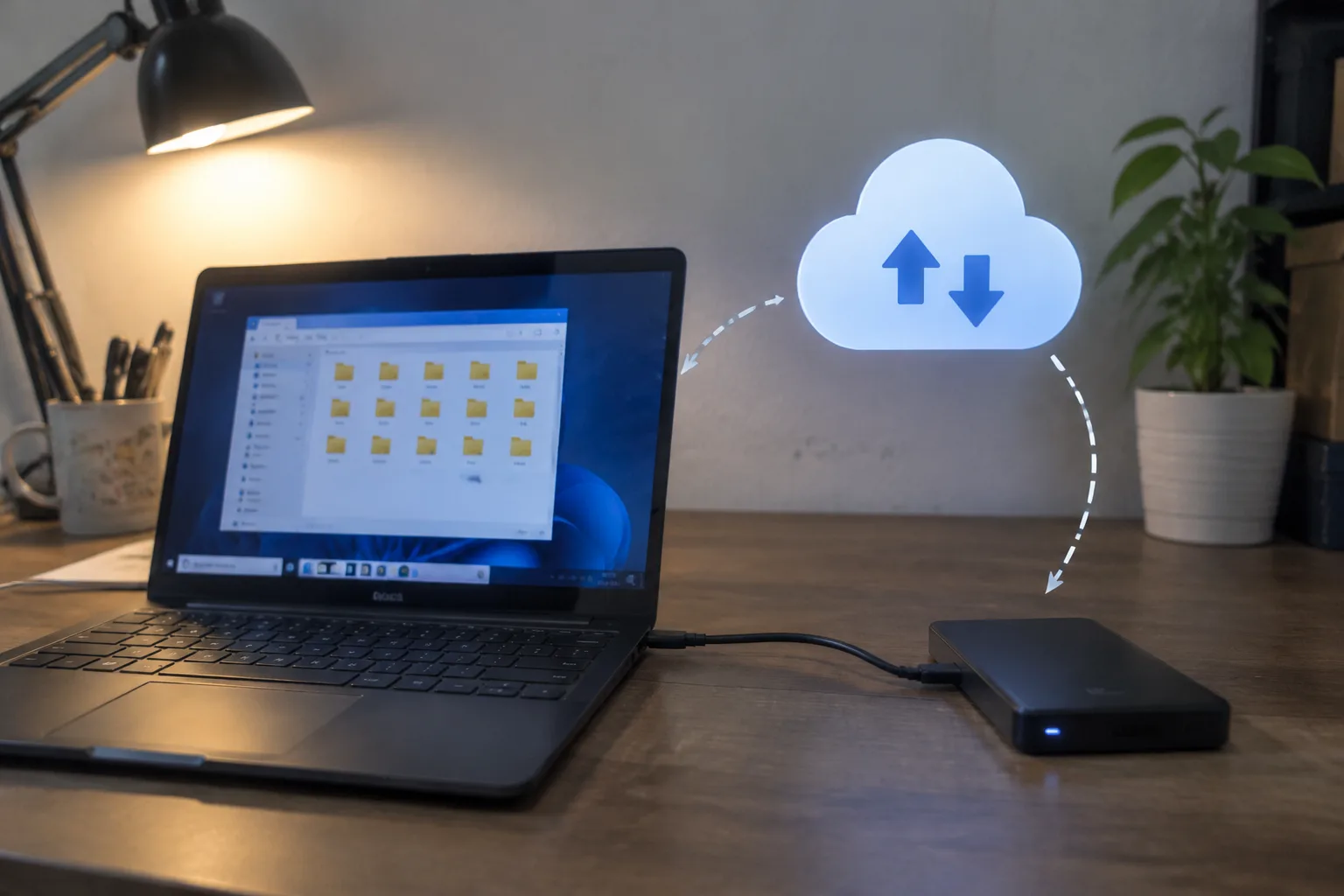
The hybrid answer exists for exactly this reason. Keep a local copy for fast restores of everyday mistakes, the deleted spreadsheet, the corrupted file, the overwritten draft. Keep a cloud copy for the disasters that take out the building. The local copy handles the ninety-nine percent of recoveries that are small. The cloud copy handles the one percent that is catastrophic.
The 3-2-1 rule is old and still correct
The standard advice in backup circles is three copies of the data, on two different types of media, with one copy off site. It has survived for decades because it addresses the actual failure modes rather than the marketing categories. A local drive plus a cloud account plus the original working copy satisfies it. Two local drives in the same office does not.
Small businesses tend to skip the off-site leg because it is the one that costs a subscription and requires trusting a provider. That is the leg that matters most. The other two copies protect against hardware failure and accidental deletion, which are common and recoverable. The off-site copy protects against the events that end businesses.
Testing the backup is the step almost everyone skips
An untested backup is a belief, not a safeguard. The drive that has been quietly failing for eight months looks identical to the drive that works until the day someone tries to restore from it. The cloud account that stopped syncing after a password change looks fine in the dashboard until the restore fails.
A workable test is small and specific: once a quarter, restore a single file from each backup location to a machine that is not the original. Open it. Confirm it is the version expected. The whole exercise takes fifteen minutes and catches the failures that would otherwise surface on the worst possible day. Businesses that do this sleep differently.
A decision framework that fits on an index card
If the business has no IT staff, no server room, and a tolerance for a day of downtime, cloud backup with versioning is the simpler and safer choice. It removes the hardware maintenance burden and puts the off-site copy in place by default.
If the business handles large files, has a slow internet connection, or cannot afford a day offline, local backup belongs in the mix, ideally paired with a cloud copy for the catastrophic case. The local drive handles speed. The cloud handles geography.
If the business already has a NAS and a disciplined routine for rotating drives off site, the local setup can work. It requires the discipline to hold, week after week, and it requires testing. The routine is the product.
The drive in the drawer and the file that was not there
Return to the accounting firm by the river. The fix that would have saved them was not expensive or complicated: a cloud account syncing the ledgers nightly, with versioning turned on, plus the existing drive kept as a fast local restore point. The subscription would have run less than the cost of a single billable hour per month.
The drive in the drawer is still there. The question that decides whether it matters is whether anyone has tried to restore from it lately, and whether a copy of what it holds exists somewhere the river cannot reach.