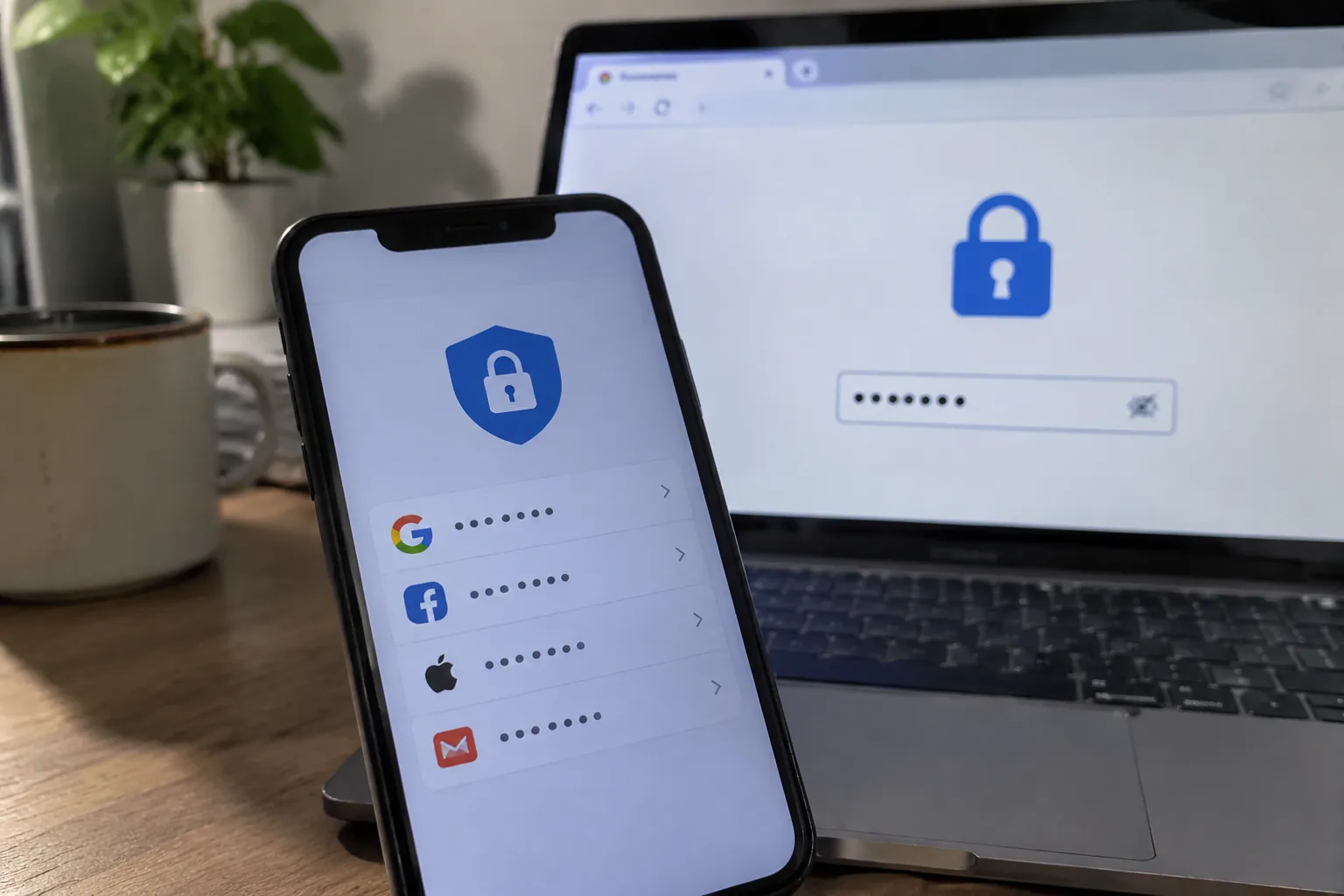
Chrome has shipped a password manager inside every copy of its browser since 2008. Edge has one. Safari has one. Firefox has one. The convenience is enormous: a prompt appears after a login, a click saves the credentials, and the next visit autofills the form. No install, no subscription, no second app to remember to open. That convenience has a cost, and the cost is mostly architectural rather than moral. Browser password vaults and dedicated password managers store the same kind of secret, but they sit inside very different machines, with different threat models, different sync pipes, and different assumptions about who is allowed to read the vault.
The honest answer to which is safer is that a reputable dedicated password manager wins, and usually by a margin wide enough that the comparison stops being close. The interesting question is why, and where the browser option is fine anyway.
What a browser vault actually protects against
Browsers encrypt saved passwords on disk. Chrome and Edge on Windows tie that encryption to the operating system's user account through a key stored in the OS credential store; Safari leans on the macOS Keychain; Firefox has its own key database. In each case, the practical barrier is the logged-in desktop session. Anyone who can use the machine as its owner can generally get the browser to decrypt what it has stored, because the browser's whole job is to hand those secrets back to the user without friction.
That is a reasonable design for the threat it targets: a stolen laptop whose disk is read offline, or a casual snoop poking at a machine that is shut down. File-level encryption blunts those. It does very little against malware running inside the logged-in session, which is the more common way credentials leave a home computer. A password stealer that executes as the user can read the browser's credential database and ask the same OS keystore for the key. The vault opens like a door with the handle on the inside.
Dedicated password managers are not immune to this either. A keylogger catches a master password as it is typed. A memory scraper can lift a decrypted vault from a running process. The difference is one of posture: a standalone manager assumes the local machine may be hostile and keeps the vault locked behind a master password that is re-entered or re-verified, while the browser assumes the operating system account is the trust boundary. One treats the desktop as a perimeter; the other treats it as a room that may already have someone in it.
The sync pipe is where the two designs diverge sharply
Saved passwords are only useful if they follow the person across devices, so both categories sync. The difference is what the server can see. In a dedicated manager built on zero-knowledge architecture, the encryption and decryption happen on the device; the server stores ciphertext and has no key to open it. Bitwarden, 1Password, Dashlane, and KeePass-compatible sync setups all describe their systems this way, and independent audits have repeatedly confirmed the design at the client level. If the vendor's servers are breached, or a subpoena arrives, the vault that comes back is a block of noise.
Browser sync is a different animal. Google, Microsoft, Apple, and Mozilla each run the sync service, and each has at times held the ability to reach into the data. Chrome's sync encryption has been the subject of long and specific criticism: the default on many accounts has been a key derived from the Google account password, which Google's own infrastructure can, in principle, use to decrypt synced passwords. Google has offered an optional passphrase mode for years, and the company has argued it does not access this data. The point for a person choosing a vault is narrower: the design permits a server-side path to the plaintext, and the default has leaned toward that path. A zero-knowledge manager removes the question.
Phishing, the attack neither category fully solves
Both kinds of tool autofill credentials based on the site address. Both will refuse to fill a password on a lookalike domain that does not match the saved entry. That shared behavior blocks the crude phishing email with a fake login page on a mismatched host. Neither blocks a convincing phishing page served from a domain the user has never saved, because there is nothing to match against.
Dedicated managers have started to close this gap with passkeys and with domain-binding checks that compare the current page against the stored entry before offering a fill. Browser vaults, sitting inside the same engine that renders the page, have less room to be suspicious of the page in front of them. The margin is real but modest; the larger phishing defense remains the user noticing the address bar.
The browser tab as an attack surface
A password manager that lives in the browser as an extension inherits some of the browser's risk, but it runs in its own process and its own storage. A password manager that is the browser is a single program responsible for rendering untrusted web content, executing JavaScript from every site, and holding the keys to every account. Those responsibilities sit in the same codebase. A memory-safety bug in the rendering engine and a flaw in the credential store are, from the attacker's seat, neighbors.
This is not a hypothetical that requires a nation-state. Browser zero-days get exploited in the wild with some regularity, and the credential database is a high-value target for whoever lands one. Dedicated managers shrink that blast radius by splitting the vault out of the thing that parses hostile HTML for a living. The split costs a little convenience and buys a meaningful reduction in the number of ways an attacker can reach the vault through the front door.
Sharing a Netflix login with a household
There is a category of password that does not deserve a vault at all, and both tools handle it badly. The streaming account split across four people, the Wi-Fi password on a sticky note, the shared utility login: these are secrets that must move between humans, and any system built around a single owner's master password fights that need. Browser sync accidentally solves it by making the Google account the shared key, which means everyone in the household with the same sign-in gets the password. That is convenient and it is also how one person's compromised account becomes the household's problem.
Dedicated managers have built sharing features for exactly this, with per-item access and revocation. They are clunkier than handing someone a slip of paper. The right answer for most households is to keep the truly shared items out of both vaults and treat them as the low-stakes secrets they are.
The recovery problem nobody plans for
A forgotten master password on a zero-knowledge manager is a locked door with no key under the mat. Recovery codes exist, and they must be printed and stored somewhere physical before the forgetting happens. The browser vault has a gentler failure mode: the Google or Apple account password resets through the usual account recovery flow, and the synced passwords come back. That gentleness is the same property that makes the browser vault weaker against an attacker who controls the account. Recovery and exposure are two faces of one design decision.
For a person who has never lost a password and never will, the dedicated manager's harsher recovery is fine. For the person who will absolutely lose the master password at 11 p.m. before a flight, the browser vault's softer failure is a genuine advantage, and it is the reason a lot of people who should know better still keep their logins in Chrome.
Where the browser vault is genuinely the right call
Not everyone needs a second app. A person with a dozen low-value accounts, a single device, no shared logins, and a strong OS account password gets most of the benefit of a password manager from the browser they already use. The threat that should worry them most is credential reuse across sites, and the browser vault solves that by generating and saving unique passwords with one click. The marginal gain from a dedicated manager for this person is real but small, and the cost is another account, another master password, and another recovery kit.
The calculus flips the moment the list includes a bank, a primary email account, a work system, or anything with money attached. At that point the vault is holding the keys to the rest of a life, and the architectural weaknesses of browser sync start to matter. A useful compromise, and the one a lot of security people actually run: a dedicated manager for the important accounts, the browser's built-in vault left on for the throwaway signups that are not worth a manual entry. Two vaults, with a clear rule about which secrets go where.
The one setting that changes the browser comparison
Chrome and Edge both offer an option to encrypt synced passwords with a separate passphrase that the browser does not store. Turning it on moves the browser vault closer to the zero-knowledge model, because the sync server no longer holds a key derived from the account password. It is buried in the sync settings, it is easy to miss, and it does not fix the in-session malware problem or the shared-codebase problem. It does close the server-side path, which is the single largest structural gap between a browser vault and a dedicated one.
Anyone who stays on the browser vault and cares about the difference should find that toggle and set it. The default should not be trusted to be the secure one. That sentence applies to almost every consumer security product, and it applies here.
A concrete way to decide in ten minutes
Open the browser's saved passwords list and count the entries. If the list is short, mostly shopping and forum accounts, and the machine is a personal laptop with a good login password, the browser vault is adequate and the dedicated manager is optional. If the list contains an email account that can reset everything else, a bank, or a work login, install a dedicated manager, move those entries first, and leave the rest where they are. Then print the recovery kit for the manager and put it somewhere a burglar would not look and a house fire would not reach.
The browser will keep improving its vault, and the gap will keep narrowing. For now the difference that matters is not the encryption algorithm, which is strong in both cases. It is where the key lives and who is allowed to turn it. The browser puts the key close to the account, and the account is the thing most likely to be phished, reset by a support agent, or reached by malware. A dedicated manager puts the key in a separate room with a separate lock. That separation is the product.


