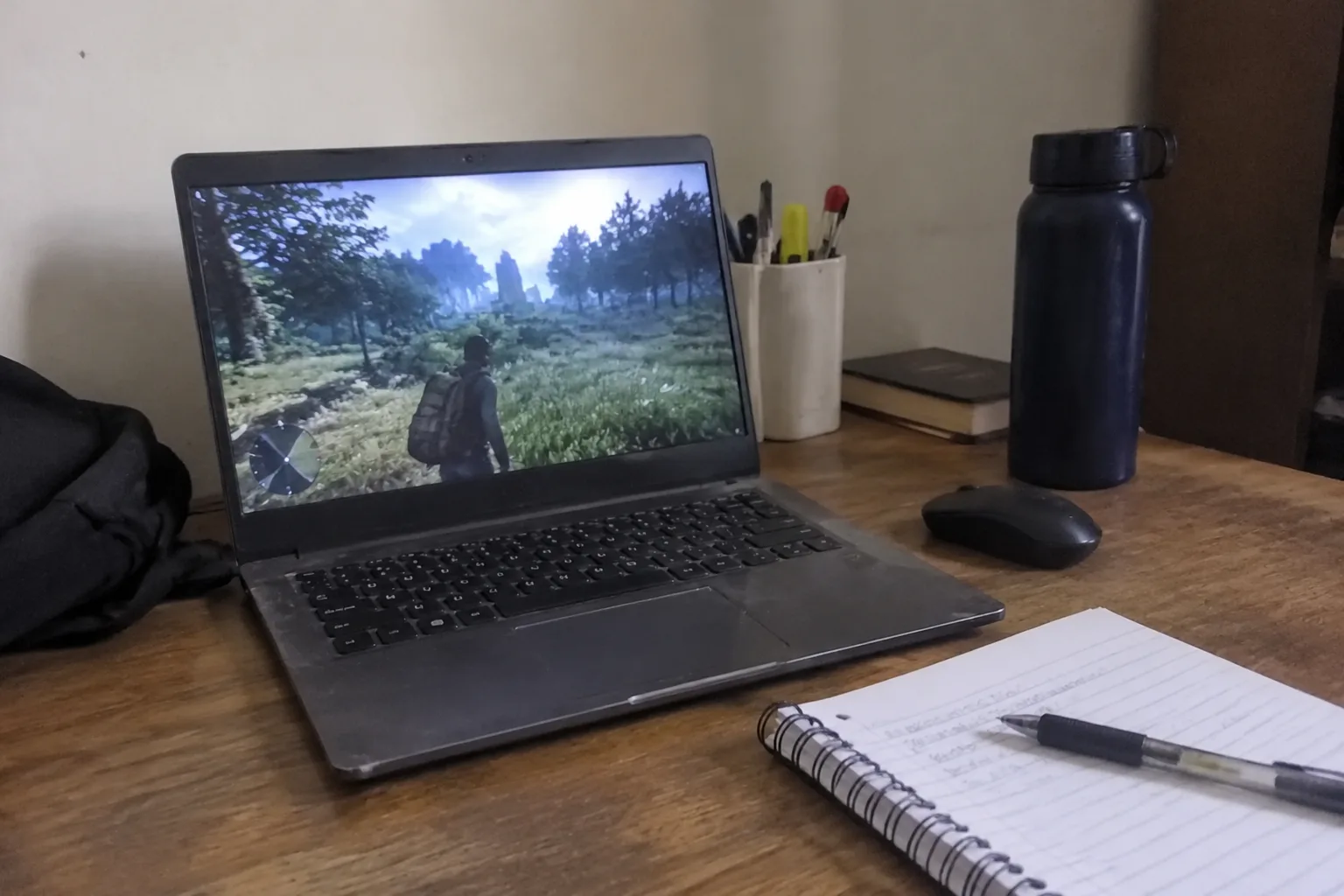
The laptop aisle splits into two crowds that rarely talk to each other. On one side, gaming machines with fans loud enough to be heard across a library and power bricks that weigh more than a textbook. On the other, thin ultrabooks that run spreadsheets and essay drafts all day and then buckle if a game asks for anything beyond a solitaire deck. The student who wants both has to live in the narrow overlap between those crowds, and that overlap is smaller than the marketing suggests.
What follows is a working guide to that overlap. Light gaming means something specific: esports titles, older back-catalog games, indie releases, Minecraft with friends, maybe a racing game at a modest frame rate. Schoolwork means a keyboard that survives a seminar paper, a screen that does not punish the eyes at 2 a.m., battery life that lasts through a full day of lectures, and a body light enough to carry up three flights of stairs without resentment. Those two lists are not enemies, but they do pull against each other.
The integrated graphics line that actually matters
The single biggest shift in this category over the past few years is that integrated graphics stopped being a punchline. AMD's recent Ryzen chips with Radeon 780M-class graphics, and Intel's Arc integrated graphics on its newer Core Ultra chips, can run a surprising amount of what students actually play. A laptop with that class of chip and nothing else can hold 60 frames per second in Valorant, League of Legends, CS2 at medium settings, and Fortnite at low. That is the whole ballgame for a large share of buyers.
The catch is heat. Thin laptops with powerful integrated graphics will throttle after twenty minutes of play, and the fan will sound like a small hair dryer. A machine with slightly thicker chassis and a better cooling design will hold its clocks longer than a thinner machine with a theoretically faster chip. This is the kind of detail that never shows up on a spec sheet and matters more than most of the numbers that do.
When a dedicated GPU is the honest answer
A dedicated graphics card, even a modest one like an RTX 4050 or 4060 laptop version, changes the ceiling. It opens up games from the past five years at decent settings, makes video editing less of a test of patience, and gives a machine more years of useful life before it feels slow. For a student who genuinely plays demanding games, the RTX 4050 tier is the entry point worth considering, and the RTX 4060 tier is where the price-to-performance curve tends to flatten out.
The cost is not just money. Dedicated GPU laptops tend to weigh more, run hotter, and get worse battery life. A machine with a 4060 might last four hours unplugged on a light workload where an integrated-graphics ultrabook lasts ten. That trade is fine for a student who mostly works near an outlet and plays in a dorm room. It is miserable for someone who spends whole days moving between buildings.
The screen is doing more work than the spec sheet admits
A 144Hz refresh rate on a gaming laptop is nice. A 300-nit, color-accurate panel that does not wash out under library lighting is better. Students spend far more hours reading PDFs and staring at documents than they do gaming, and a dim, low-contrast screen makes that work quietly exhausting. Look for a panel rated at 300 nits or higher, and pay attention to whether the laptop ships with the good screen or a cheaper variant, because manufacturers love to slot a mediocre display into the base configuration.
Resolution is a milder question. 1080p is fine on a 14-inch screen and easier on the graphics chip, which matters when the same machine has to run games. 1440p or a high-density panel looks sharper for text but pushes the GPU harder in games. For this specific use case, 1080p at a good refresh rate beats a sharper panel that makes the frame rate stutter.
Keyboards, hinges, and the parts that age badly
Laptops die from the outside in. The keyboard gets shiny, the hinge loosens, the ports stop gripping cables, the fan clogs with dust. A student machine gets carried in a backpack for years, so build quality deserves more weight than a benchmark score. A firm hinge that does not wobble when typing, a keyboard with real travel, and a chassis that does not flex under a palm all signal a machine that will survive four years of abuse.
Ports matter more than they used to, now that so many thin laptops ship with two USB-C ports and nothing else. A student juggling a charger, a mouse, an external drive, and a monitor adapter will want either a generous port selection or a budget for a dock. That dock is an extra cost and an extra thing to forget in a dorm room.
Battery life is the quiet dealbreaker
A gaming laptop that lasts three hours unplugged is a gaming laptop that lives on a desk. If the machine travels to class, the library, and a study group, real-world battery life of eight hours or more on light work is the difference between a tool and a tether. Gaming laptops rarely hit that mark, which is the strongest argument for the integrated-graphics route for students who only play lightly.
The honest test is not the manufacturer's claim but the workload: brightness at a comfortable level, a browser with a dozen tabs, a document, and a video call. Machines that advertise twelve hours often deliver six under that load. Reading reviews that measure actual runtime is worth more than any spec sheet.
Three configurations worth considering
The integrated-graphics ultrabook is the right answer for the student who plays esports titles and older games and wants a machine that disappears into a backpack. Something in the 13-to-14-inch range with a recent Ryzen or Core Ultra chip, 16GB of RAM, and a good 1080p panel. This machine will not run the newest AAA releases well, and that is the honest limit of the category.
The thin-and-light with a modest dedicated GPU, often a 14-inch machine with an RTX 4050, is the compromise pick. It plays more games than the ultrabook, weighs a bit more, and costs a few hundred dollars extra. For a student who wants one machine to do everything and does not need maximum battery life, this is often the sweet spot.
The full gaming laptop with an RTX 4060 or better is the right call for a student who plays demanding games regularly and does not mind the weight. The trade is real: heavier bag, shorter battery, louder fans, and a machine that is happiest plugged in. For the right person, none of that matters.
RAM, storage, and the upgrade nobody plans for
16GB of RAM is the floor now, not a luxury. A browser with a dozen tabs, a document, a video call, and a game running in the background will eat 8GB alive, and the machine will start swapping to disk and stuttering. 16GB keeps the machine comfortable for years. 32GB is worth it for students who edit video or run virtual machines, and otherwise is money better spent elsewhere.
Storage is the more annoying trap. A 512GB drive fills up faster than expected between game installs, document archives, and the photos and videos that pile up over a degree. A 1TB drive is the comfortable choice, and a laptop with a user-accessible drive bay is a quiet blessing, because storage is cheap to add later and painful to manage when it runs out.
The used and refurbished question
A two-year-old gaming laptop with a still-capable GPU often costs less than a new integrated-graphics ultrabook, and for a student on a tight budget that math can be compelling. The risks are real: worn batteries, clogged fans, and warranties that have already expired. Buying refurbished from a seller that offers a return window and a short warranty makes the gamble more reasonable, and the savings can be substantial.
The counterargument is that battery health is the hardest thing to verify remotely, and a laptop with a degraded battery defeats the point of a portable machine. If the refurbished route is tempting, factor in the cost of a replacement battery and check whether the model is easy to open and service.
What the buyer is actually choosing between
The real decision is not between brands or even between chips. It is a decision about what kind of student life the machine has to support. A student who works at a desk and plays demanding games in the evening is choosing a different machine than a student who lives between lecture halls and plays League with friends on the weekend. The specs follow from that life, not the other way around.
The most common mistake is buying for the game that gets played twice a month and then living with the weight and battery cost every single day. The second most common is buying a featherweight and then discovering that the games actually wanted need more graphics muscle than the machine has. The right answer sits in the middle for most people, and it is worth being honest about which side of the middle a given student actually lives on before spending the money.


