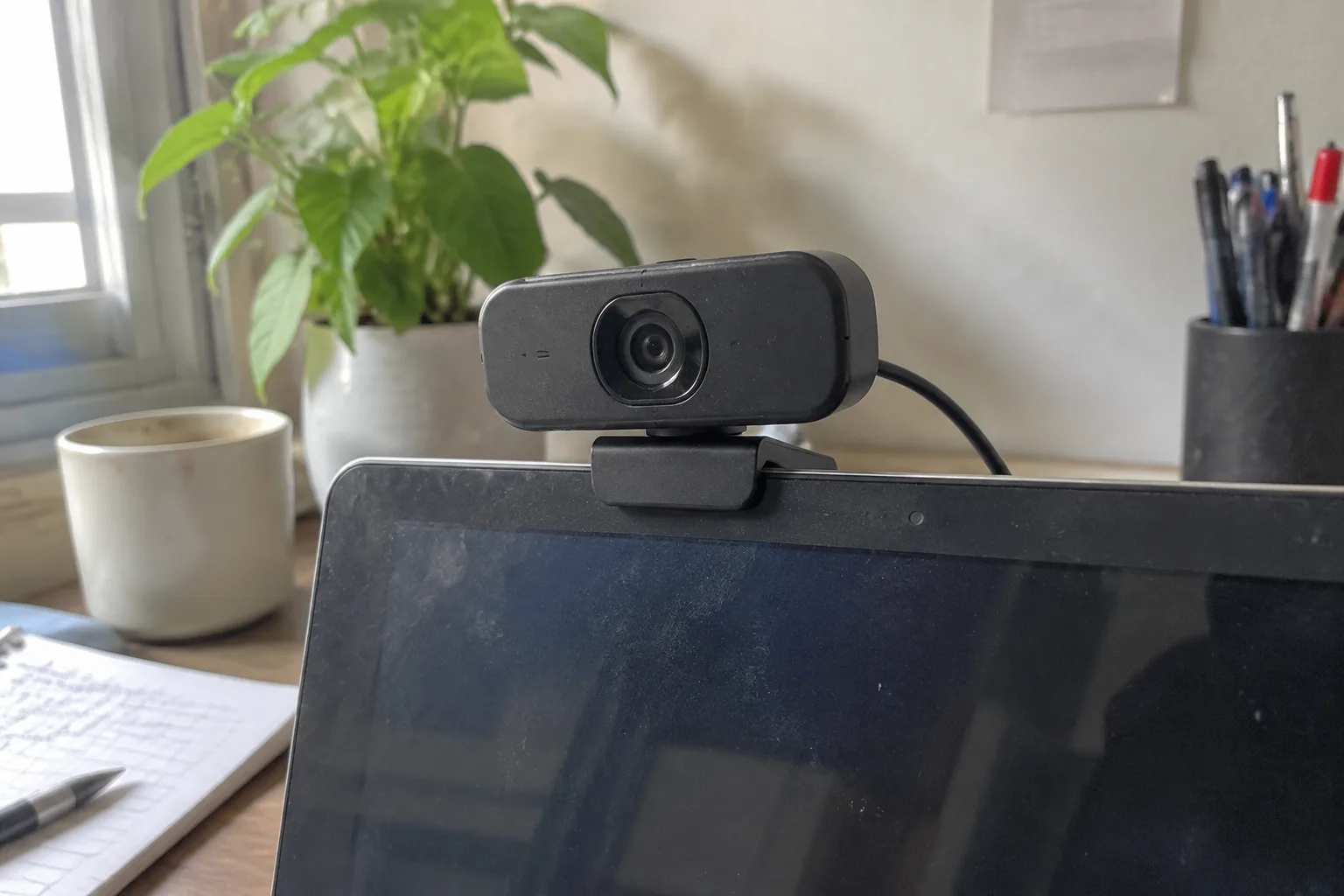
The webcam has become the most overqualified piece of hardware on most desks. A 1080p sensor that cost forty dollars in 2019 now sits in a market flooded with 4K models, software backgrounds, and laptop cameras that finally cleared the low bar of not looking like a security feed from a parking garage. Yet the budget webcam still matters, and it matters for a specific reason: the gap between a bad camera and a decent one is enormous, while the gap between a decent one and an expensive one is mostly invisible on a video call compressed to fit a window the size of a paperback.
That compression is the fact that should govern every buying decision here. Zoom, Teams, Meet, and Webex all chew the image down before it reaches the other side. Fine detail dies in that pipeline. What survives is contrast, skin tone, and the ability of the sensor to handle whatever light is actually in the room. A cheap webcam that gets exposure right will look better on a call than an expensive one that hunts for focus in a dim bedroom.
So the useful question is narrow. Which budget webcams produce a clean, stable, correctly exposed image without demanding a ring light and a tripod? The answers cluster around a handful of models and a set of physical facts that no spec sheet lists clearly.
The 1080p ceiling that stopped mattering
Resolution is the number shoppers fixate on and the number that matters least past a threshold. A 1080p webcam at 30 frames per second delivers 2 megapixels. Most call platforms downscale to something closer to 720p for bandwidth, and a laptop screen in a video grid often displays a face at 300 pixels wide. The extra pixels in a 4K sensor get thrown away before anyone sees them.
What 4K buys on a budget webcam is usually a worse trade. To hit that resolution at a low price, manufacturers pair a dense sensor with a small lens and cheap processing. The result is a soft image with visible noise in low light, because each pixel is tiny and collects less light. A well-made 1080p camera with a larger sensor and better optics wins that comparison almost every time.
There is one legitimate reason to want more than 1080p: cropping. A 4K sensor lets software frame a tighter shot digitally, which helps if the camera sits far from the face. For a webcam mounted on a monitor at arm's length, that is a solution to a problem most people do not have.
Why the sensor and lens beat the marketing
Two physical properties drive image quality in this price band. The first is sensor size, which usually goes unlisted. A 1/2.9-inch sensor gathers more light than a 1/4-inch one, and more light means less grain and better color in a room lit by a single window. The second is the lens aperture, expressed as an f-number. Lower is better. An f/2.0 lens passes roughly twice the light of an f/2.8 at the same sensor size.
Manufacturers bury these numbers because they are unglamorous and because most budget models lose on them. The practical workaround is to read reviews that show sample footage in ordinary indoor light, not studio light. A webcam that looks clean at a desk lamp and a window is doing the job. One that only looks good under a softbox is a studio product wearing a budget price tag.
Autofocus deserves its own note. Fixed-focus lenses are common at the low end, and they are fine if the camera sits at a consistent distance. The moment a person leans in to read something or rolls back in a chair, a fixed lens goes soft. Autofocus fixes that but adds a moving part and a hunting behavior that can be worse than a fixed lens if the implementation is poor. A camera with a fixed focus set around arm's length is often the calmer choice for a desk.
Logitech C920s and the long reign of a 2012 design
The C920 has been on sale since 2012 and remains the default answer for a reason. It pairs a 1080p sensor with a lens that handles ordinary room light well, and its autofocus, while not silent, is steady enough for meetings. The C920s variant adds a physical privacy shutter, a small plastic flap that slides over the lens, which is the only feature most people will ever use daily.
The honest weaknesses are well documented. The mounting clip is fragile, the field of view is wide enough to capture a distracting amount of background, and the microphone is serviceable but thin. None of those sink it. The image quality at 1080p in a normally lit room remains better than most laptops and better than many newer budget cameras that chased resolution instead of light.
Price is the other argument. The C920s frequently drops well below its list price, and at that level it is hard to beat on pure image stability. It is the camera to buy when the goal is a call that looks fine every single time without fiddling.
Logitech Brio 300 and the small-sensor compromise
The Brio 300 is the newer, smaller, cheaper-looking option from the same company, and it illustrates the trade clearly. It shoots 1080p, comes in colors, and includes a privacy shutter. The body is compact and the mounting is simpler than the C920's aging clip.
The compromise is the sensor and the lens. In good light the Brio 300 looks clean and the colors are pleasant. In a dim room it gets noisy faster than the C920, and the fixed focus means the image softens if the camera sits too close or too far. For a desk with a window or a decent lamp, the difference is small. For a basement office lit by a monitor, it shows.
The Brio 300 makes sense for a person who wants a small, tidy camera and works in reasonable light. It is a worse choice for anyone whose main call happens at night in a room with one overhead bulb.
Razer Kiyo X and the software question
The Kiyo X targets a different buyer: someone who also wants to stream or record. It offers 1080p at 60 frames per second, which is genuinely useful for motion, and a mounting system that folds flat. The image is sharp and the color is a little punchy out of the box.
The catch is software. Razer's configuration tool is required to unlock the best settings, and it is a heavier install than most people want for a work camera. The Kiyo X also leans on digital processing that can look artificial on skin, smoothing detail in a way that reads as slightly plastic on a close call. It is fixable in the settings, but the default is tuned for a streamer's aesthetic.
For pure video calls, the Kiyo X is more camera than needed and more software than wanted. For a person who splits time between meetings and recording, the 60 fps mode earns its place.
The used and refurbished market nobody checks
Budget webcams hold their value poorly, which is good news for anyone willing to buy used. Older 1080p models from Logitech, Microsoft, and even some discontinued business cameras sell for a fraction of new prices on resale sites. A used C920 in good condition often costs less than a new budget model with a smaller sensor.
The risks are real but manageable. Lenses get scratched, mounts crack, and privacy shutters break. A buyer who inspects photos carefully and avoids listings with visible lens damage can come out ahead. The other advantage is that older business webcams often shipped with better microphones and sturdier mounts than current budget models, because they were built for corporate deployment.
One caution: driver support for very old models can lapse on newer operating systems. Checking the manufacturer's support page before buying takes a minute and prevents a paperweight.
Lighting costs less than a better camera
The single largest improvement to a budget webcam's output comes from a ten-dollar desk lamp aimed at a wall, not from a more expensive camera. Bouncing light off a nearby surface softens shadows and lifts the face out of the murk without blowing out highlights. A window to the side, at roughly 45 degrees, does the same thing for free during daylight hours.
This matters because budget sensors have limited dynamic range. They cannot hold a bright window and a dark face at once. Moving the light source behind the camera, or diffusing it, fixes the problem at the source. A person who spends eighty dollars on a webcam and nothing on light will look worse than one who spends forty on the camera and ten on a lamp.
The other free fix is camera height. A webcam at eye level, or slightly above, flatters the face and avoids the upward nostril angle that laptop cameras produce. A stack of books under the monitor costs nothing and does more than most software filters.
What to actually buy for a desk in ordinary light
For a room with a window or a decent lamp and a camera at arm's length, the C920s remains the safest pick. Its image is stable, its autofocus is predictable, and its price has fallen far enough that the older design is an advantage rather than a compromise. The privacy shutter is a small feature that gets used every day.
For a smaller desk and a brighter room, the Brio 300 is a reasonable alternative, provided the buyer accepts the low-light trade. For a person who records as well as calls, the Kiyo X earns its keep on frame rate. And for anyone comfortable with resale, a used 1080p business camera from a few years back can beat all three on price while matching them on image.
The webcam market rewards a narrow kind of discipline. Buy for light and stability, ignore resolution past 1080p, and spend the leftover money on a lamp. A call that looks clean and steady in a real room beats a call that looks sharp only in a showroom. The camera that disappears into the background of a meeting, with no fiddling and no hunting, is the one worth keeping on the monitor.


