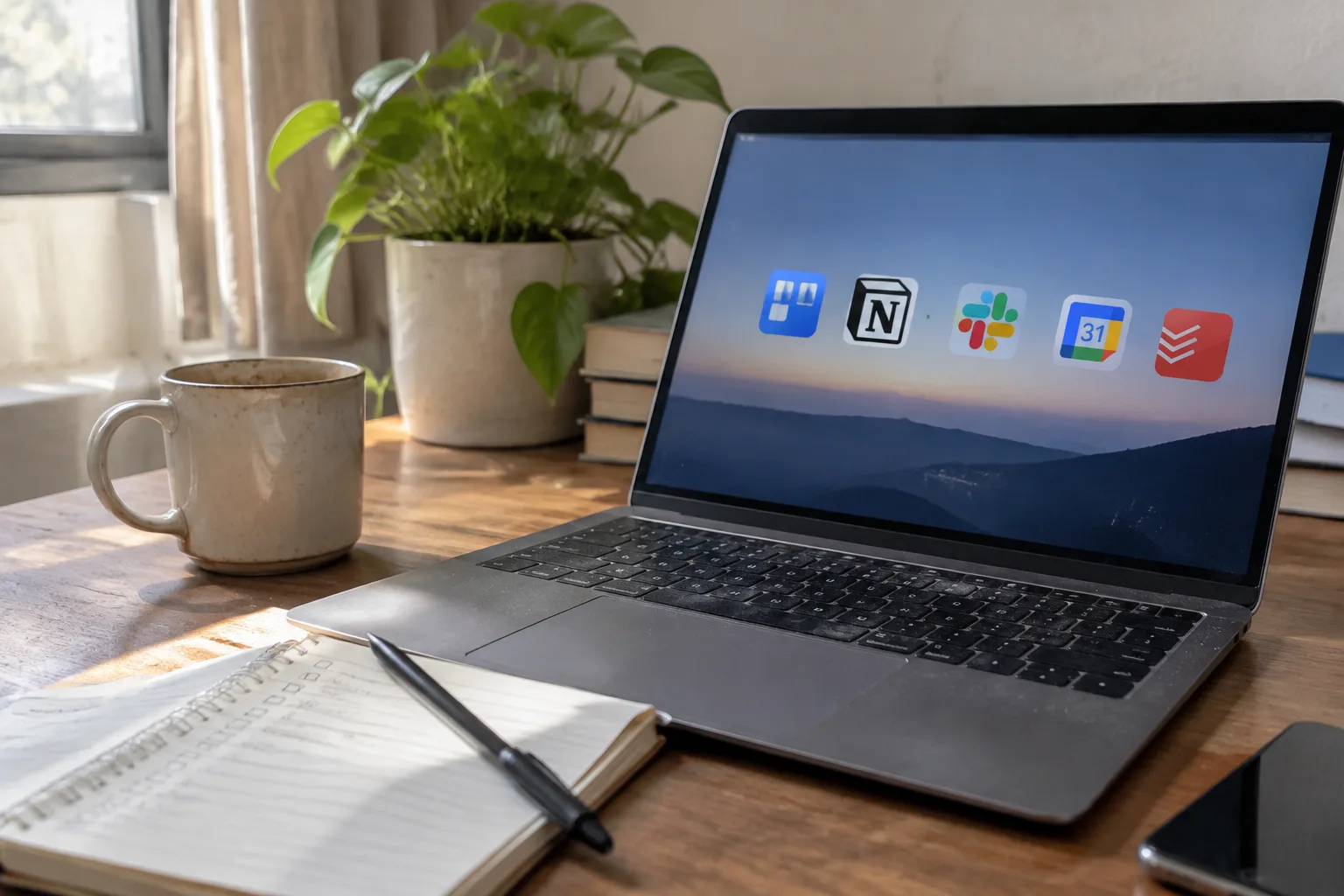
Notion's free tier, as of this writing, caps file uploads at 5 MB per file and gives a personal workspace 10 guests. Slack's free plan hides messages older than 90 days. Those two facts explain why the budget software market for remote workers exists at all. The tools that got popular during the remote-work boom were priced for companies with a finance department, and the people using them at kitchen tables are paying out of pocket.
The category has a real answer, though, and it is more interesting than a list of free trials. Remote workers need four things from software: a place to think, a way to talk, a way to ship, and a way to protect their attention from the other three. Each need has a cheap or free option that is genuinely good, and each has a trap that costs money without solving the problem.
The note-taking category settled, and the winner is free
Obsidian is the strongest value in productivity software right now, and it costs nothing for personal use. Files live on the local disk as plain Markdown, which means a note written in 2026 opens in any text editor in 2040. Sync costs money (about $4 to $8 per month depending on the plan), but a person can put the folder in Dropbox or a self-hosted sync service and skip that entirely.
The case against Notion for a solo remote worker is not that it is bad. It is that the free tier is a funnel toward a $10 to $12 monthly subscription, and the product rewards elaborate database-building that eats hours. Plenty of remote workers have spent a weekend constructing a Notion dashboard for their tasks and then abandoned it in a week. Obsidian rewards the opposite behavior: write a note, link it later if it matters, move on.
Task management is a solved problem that people keep overpaying for
Todoist's free plan allows 5 active projects and 3 filter views, which covers most solo work. The Pro plan runs about $4 per month on annual billing. That is the whole recommendation. A remote worker with a day job and a couple of side projects does not need a project management tool with Gantt charts.
The exception is anyone working inside a team that already uses Asana or ClickUp, where the company pays and the choice is not really a choice. Personal task software is where it pays to be boring. The tooling that wins is the one opened every morning without friction, and Todoist's natural-language input ("pay invoice every 30th") still beats most competitors on that front.
For anyone allergic to subscriptions entirely, Apple Reminders and Google Tasks are free and good enough. The feature gap between those and a $4 tool is small. The gap between a $4 tool and a $20 team suite is enormous and useless to a solo worker.
Calendar scheduling: the $12-per-month seat that pays for itself in one saved meeting
Calendly's free plan offers one event type and unlimited bookings. Cal.com is open source and free to self-host, with a hosted free tier that handles the basics. For a freelancer juggling clients across time zones, either one eliminates the email chain that goes "does Tuesday at 3 work for you" five times over.
The paid tiers around $10 to $12 per month add routing forms, multiple event types, and payment collection. A consultant booking paid calls can justify that in a single week. A salaried employee who mostly schedules internal meetings does not need any of it and should stay on free.
Communication tools sit on a free-tier cliff
Slack's free plan is real Slack, and the 90-day message history limit matters more than it sounds. A remote worker who uses Slack with clients will eventually lose access to an old decision buried in a thread. The $8.75 or so per month per seat adds up fast for a small operation. Discord and Telegram are free and unlimited, but using them with clients reads as informal, which cuts both ways.
Zoom's free tier caps group meetings at 40 minutes. For one-on-one calls it has no time limit, which makes it fine for interviews and check-ins. Google Meet via a free Google account handles longer calls and group sizes that cover most small teams. A remote worker running a two-person shop can stay free on video calls indefinitely.
Focus software earns its place by doing one thing
Cold Turkey Blocker (free tier, paid version around $39 one-time for Windows and Mac) does hard site blocking with scheduled rules. Freedom charges about $40 per year and syncs blocks across devices. Forest is a few dollars on mobile and gamifies focus with a tree that dies if a phone gets unlocked.
The paid ones are worth it only if the free ones get bypassed. That is the real test. A person who has tried a free blocker and turned it off in a weak moment should pay for the version that makes turning it off annoying. A person who never opens social media during work hours should save the money and skip the category.
The password manager nobody should skip
Bitwarden's free plan covers unlimited passwords, syncing across devices, and a solid browser extension. It is the single best free security tool available to remote workers, and it costs nothing to start. The premium tier is $10 per year, which is one of the few upgrades in software that feels almost embarrassingly cheap.
1Password is the better-polished product and runs about $3 per month. Either works. The category matters more than the pick: a remote worker with reused passwords across a dozen client accounts is one breach away from a very bad quarter, and both tools fix that for less than the price of a coffee per month.
Where the budget actually goes wrong
The failure mode is not picking an expensive tool. It is picking six cheap ones. A remote worker paying $4 for Todoist, $8 for Obsidian Sync, $12 for Notion, $10 for Calendly, $9 for Slack, and $39 for a focus app is spending around $80 per month on software that overlaps badly. Half of those tools duplicate each other.
The better approach is to tally subscriptions once a quarter and cancel anything not opened in two weeks. Most people find one or two tools they never touch. The savings are real, and the cognitive relief of a shorter tool list is worth more than the money.
A realistic monthly stack under $25
Obsidian free for notes, Todoist free for tasks, Cal.com free for scheduling, Google Meet for video, Bitwarden free for passwords. That covers the core for zero dollars. Add Obsidian Sync at around $4 if cross-device notes matter, Todoist Pro at $4 for projects piling up, and Cold Turkey at $39 one-time if distraction is the real problem. Total recurring cost sits under $10 per month, with a one-time purchase on top.
That stack handles the work of a $100-per-month suite for a solo remote worker. It will not handle a team of fifteen, and it does not try to. The point of budget software is to spend money only where the free version actually fails, and for most remote workers, the free versions fail in exactly two places: message history and hard focus blocking. Everything else is a subscription waiting to be cancelled.
The one upgrade worth making before anything else
If a remote worker can only afford one paid tool this year, a password manager is the wrong answer only because the free version of Bitwarden already covers it. The right answer is a reliable backup service for the machine the work lives on. Backblaze runs about $99 per year for unlimited computer backup, and a remote worker whose laptop dies with three years of client files on it will discover that the true cost of "free" software is the data that was never backed up.
Backblaze is not productivity software in the usual sense. It is the insurance policy that makes every other cheap tool safe to use. A person with a $10 monthly stack of free tools and no backup is one dead hard drive away from a much bigger bill than any subscription in this article.


