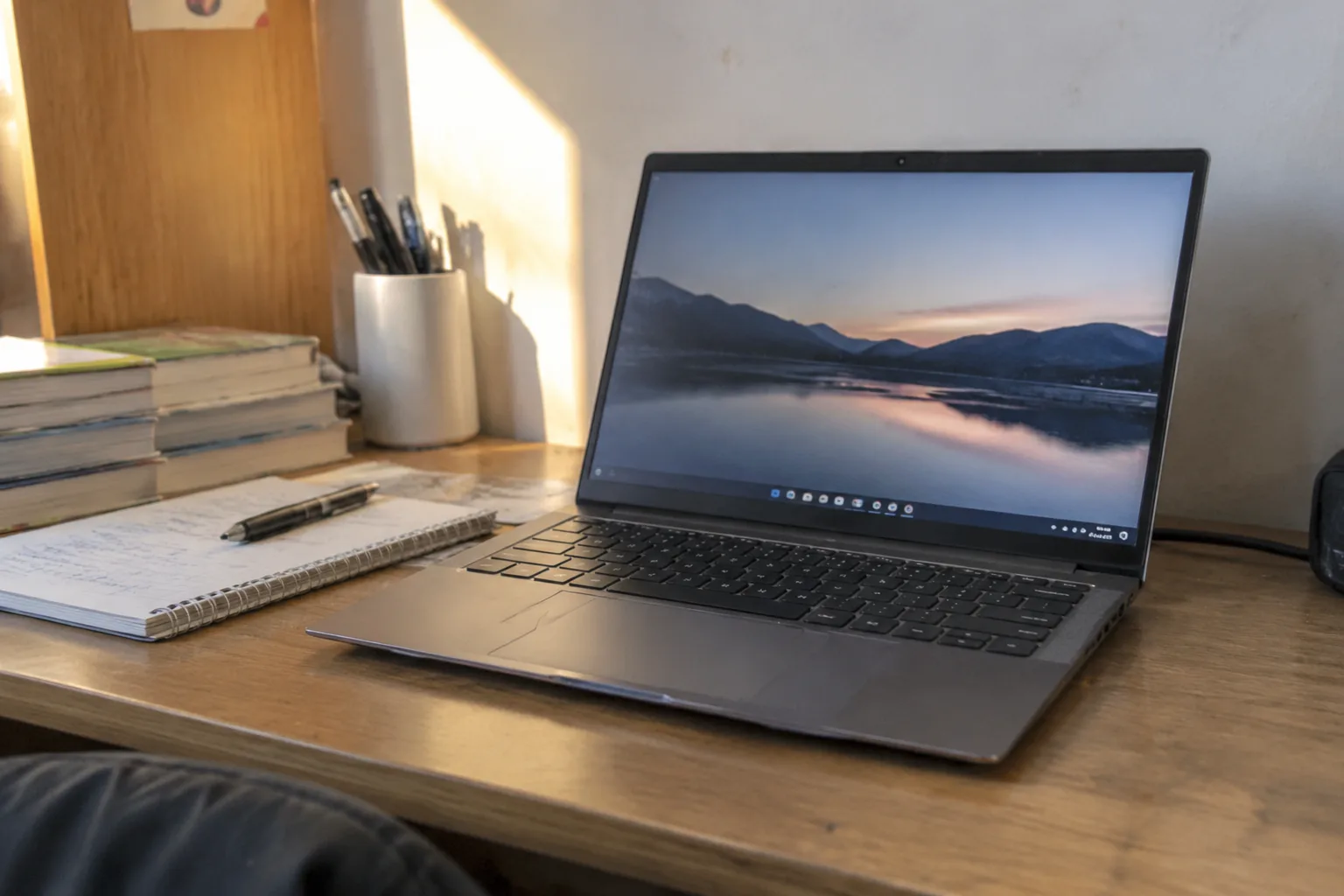
Six hundred dollars buys a laptop that will get a student through a four-year degree, provided nobody walks into the store expecting a machine that feels expensive. That is the whole negotiation. The budget tier has improved enormously in the past three years: screens that were once dim and washed out now hit 300 nits, solid-state storage has become standard at capacities that used to cost extra, and the processors inside these machines handle a full course load of browsing, document work, video calls, and the occasional spreadsheet without complaint. What has not improved is the plastic, the speakers, and the webcam.
The trick to buying well at this price is knowing which compromises are survivable and which ones will make a student miserable by October. A mushy keyboard is survivable. A screen that cannot be read in a lecture hall with sunlight coming through the windows is not. Eight gigabytes of memory is workable for most majors and a slow-motion disaster for a computer science student running a virtual machine. The recommendations below sort by that logic, not by spec-sheet bragging rights.
The Case for Buying Last Year's Model on Purpose
The single best move in this price bracket is to shop one generation behind. A laptop that launched at $750 eighteen months ago now sits at $550 with the same chassis, the same keyboard, and a processor that lost maybe twelve percent of its benchmark score to the newer chip. That twelve percent is invisible in Canvas, in Google Docs, in a Zoom lecture, and in a statistics assignment. The chassis and the screen, meanwhile, are things a student touches and looks at every single day.
Retailers and manufacturers both clear this inventory aggressively around back-to-school season and again in the weeks after a new model ships. The discount is real. The risk is that the exact configuration sells out, so the practical advice is to identify two or three acceptable models rather than fixating on one. Refurbished units direct from the manufacturer carry the same warranty as new ones and typically land another $80 to $120 lower, which is often the difference between 8GB and 16GB of memory.
Where the Money Actually Goes: Screens, Keyboards, and Ports
Three things separate a good budget laptop from a bad one, and none of them appear in the processor name. The first is the display panel. A 1366 by 768 resolution should be treated as disqualifying in 2024; text at that density looks fuzzy after an hour of reading, and students read for hours. A 1920 by 1080 panel at 250 nits or better is the floor. IPS panels, which hold their color when viewed off-angle, are worth seeking out because a laptop screen is rarely viewed straight on.
The second is the keyboard. Budget machines hide their cost-cutting here, with shallow travel and keys that flex under a firm press. A student typing a 3,000-word essay will feel every millimeter of missing travel by the second page. Backlighting matters more than it sounds: dorm rooms at 1 a.m. are dark, and hunting for the apostrophe key by feel gets old fast.
The third is ports. A laptop with two USB-C ports and nothing else forces a student to buy a dongle for the projector in the seminar room, another for the SD card from a camera, another for a wired mouse. USB-A, HDMI, and a headphone jack on the chassis save $40 in adapters and a semester of forgetting them in dorm drawers.
Eight Gigabytes Is Fine Until It Is Not
Memory is the spec that determines how long a budget laptop stays usable, and 8GB is the number that looks adequate on day one and turns into a bottleneck by junior year. The reason is browser tabs. A student running a learning management system, a video lecture, a shared document, and a research tab with fifteen open articles will watch 8GB fill up and start swapping to storage, which produces the stutter and fan noise that makes a laptop feel old before it is.
Sixteen gigabytes is the right target for anything expected to last through a degree, and it is worth paying $60 to $80 more to get there. The catch is that many budget laptops solder memory to the board, so it cannot be added later. Checking whether a model has a free SO-DIMM slot before purchase is the kind of five-minute research that saves a student from buying a replacement in year three.
Storage follows a similar logic. A 256GB drive fills up faster than expected once a student installs a statistics package, a photo editor, and a few years of downloaded lecture recordings. Five hundred twelve gigabytes is the comfortable floor, and it is usually a cheap upgrade at the point of sale.
Chromebooks and the Major That Rules Them Out
A Chromebook at $350 does almost everything an English or history major needs. Google Docs, the browser, video calls, a surprisingly good keyboard on the premium models, and battery life that stretches past a full day of classes. The operating system is light enough that even modest hardware feels responsive, and the security model means less maintenance for a student who does not want to think about updates.
The walls appear fast for other majors. Students in accounting need full Excel, not the web version, because the desktop application handles large spreadsheets and pivot tables that the browser version chokes on. Engineering and computer science students need to install compilers, IDEs, and virtual machines that assume Windows or macOS. Anyone who needs Adobe Creative Cloud is in the same boat. A Chromebook is the right answer for a defined set of degrees and the wrong answer for a larger set, and the decision should be made by major, not by price.
Windows Machines Worth the Money at This Price
The Acer Aspire 5 has been the quiet default in this bracket for years, and the current 15-inch configuration with a Ryzen 5 processor, 16GB of memory, and a 512GB drive sits around $550 on sale. The screen is merely adequate at 250 nits, the speakers are thin, and the plastic flexes. The keyboard is comfortable, the ports are generous, and the internals are fast enough for anything short of video editing. It is the least interesting recommendation here and probably the most reliable one.
Lenovo's IdeaPad line, particularly the Slim 3 and the Flex variants, offers a better keyboard and a slightly nicer chassis for similar money, though configurations vary wildly between retailers and the base models sometimes ship with dim panels that should be avoided. The Flex 5 with a Ryzen 5 and 16GB of memory occasionally dips to $580 during sales and represents the best combination of build quality and performance in the segment when it does.
For students who want a machine that survives being shoved into a backpack, the HP Pavilion Aero 13 is worth the stretch. At just under a kilogram, it is lighter than most competitors and has a brighter 400-nit display that reads clearly outdoors. The trade-off is fewer ports and a smaller screen, which matters for anyone doing serious spreadsheet work.
The Mac Question at Six Hundred Dollars
No new MacBook fits under $600. The M1 MacBook Air, discontinued but still widely available refurbished, occasionally lands near $650 and represents the best long-term value in the entire conversation if the budget can stretch. Its processor still outperforms most budget Windows chips, the screen is excellent, the battery lasts through two days of classes, and the build quality is in a different category from anything else discussed here.
The catch is compatibility. Some engineering software and a surprising number of accounting packages run only on Windows, and a student who buys a Mac and then discovers that the required statistics package does not run on it has an expensive problem. Checking the software requirements for the specific major before purchase is essential, and it is the kind of step that gets skipped in the excitement of a good deal.
What to Skip: The Traps in the Budget Aisle
Several categories of budget laptop should be avoided regardless of the discount. Anything with a Celeron or Athlon Silver processor will feel slow on day one and unbearable by the end of the first semester; these chips exist for web browsing on a couch, not for opening twelve tabs and a video call. Anything with a 720p screen belongs in the same bin. And anything sold with 4GB of memory should not be considered at all.
The other trap is the gaming laptop that dips under $600 on clearance. These machines typically pair a decent processor with a weak dedicated graphics chip, a thick chassis, and a battery that lasts three hours. The weight and the fan noise make them poor companions for a day of classes, and the graphics chip is usually not worth the trade. A student who genuinely needs to game should save for a better machine rather than buy a compromised one that does neither job well.
The Refurbished Route and the Warranty That Matters
Manufacturer-refurbished laptops, sold directly by Dell, Lenovo, and Apple, carry the same one-year warranty as new units and are inspected more thoroughly than most new machines because a human has to sign off on them. The savings typically run 20 to 30 percent off the original price, which at this budget is the difference between a machine that lasts four years and one that lasts two.
Third-party refurbishers are a different proposition. Some are excellent, some are not, and the warranty terms vary from ninety days to a year. The rule of thumb is to buy refurbished only from the manufacturer or from a retailer with a clear return window of at least thirty days, and to inspect the battery health within that window. A refurbished laptop with a battery at 80 percent of its original capacity is a fine deal; one at 65 percent is a machine that will need a $90 replacement within a year.
The six-hundred-dollar ceiling does not buy a laptop that feels luxurious. It buys one that works, and the difference between a good purchase and a bad one at this price comes down to a handful of decisions made before the credit card comes out. The student who checks the panel brightness, confirms the memory can be upgraded or is already at 16GB, and buys one generation behind will end up with a machine that quietly does its job for four years. That is the entire goal. The laptop should disappear into the work, and at this price, with these choices, it can.


