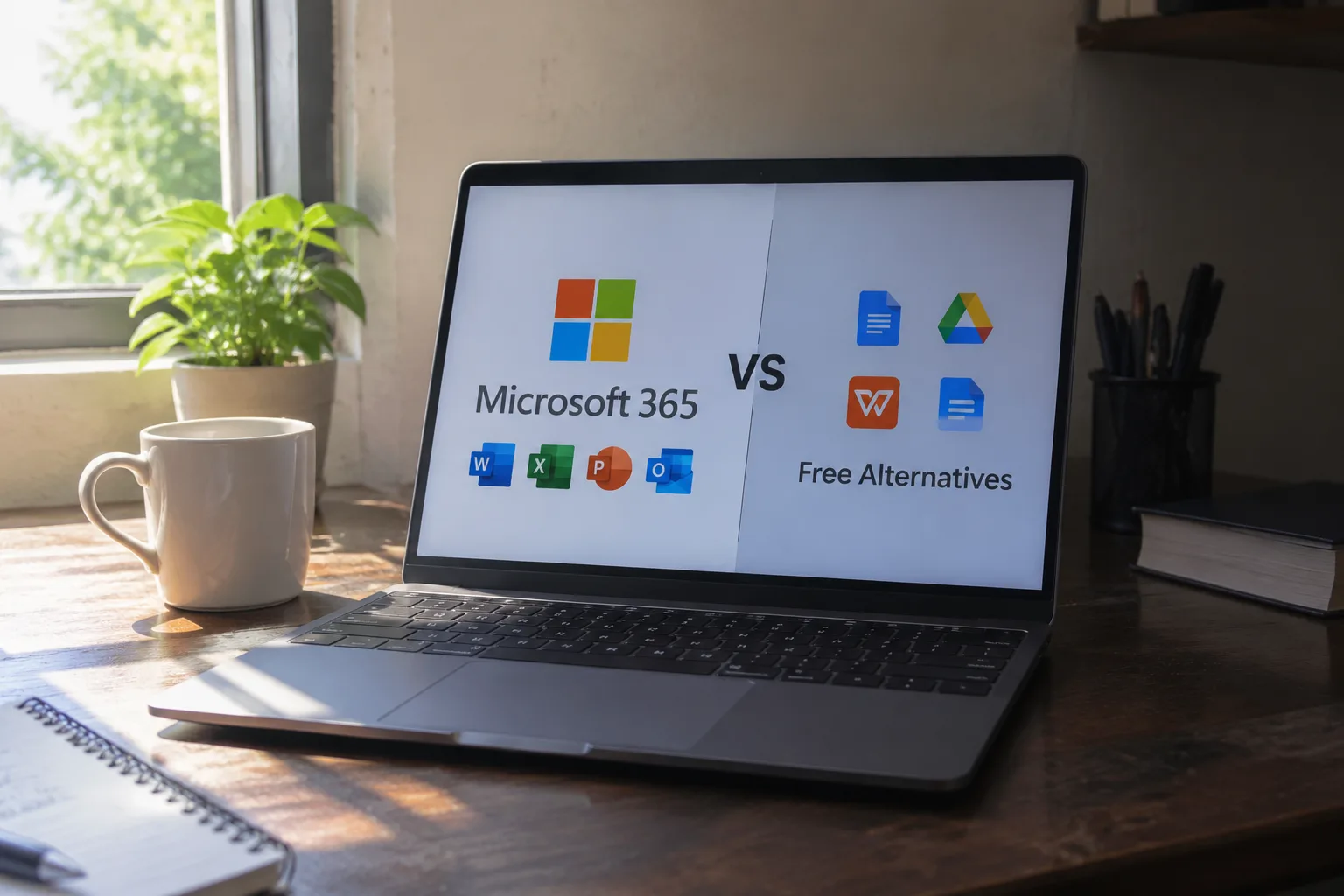
Microsoft sells a family of subscription plans under the Microsoft 365 name, and the cheapest of them costs roughly as much as two cups of coffee per month. That is not a large sum in isolation. It becomes a real decision when Google Docs, LibreOffice, and a browser tab full of free tools will do most of the same work for nothing, and when the free options have improved to the point where the gap is no longer embarrassing.
So the useful question is not whether Microsoft 365 is better than free software. In plenty of places it is not meaningfully better at all. The useful question is narrower: which specific work, which specific habits, and which specific constraints make the subscription the cheaper choice once everything is counted?
Here is the answer in advance, then the reasoning. Microsoft 365 earns its fee for people whose documents leave the house, whose spreadsheets do real arithmetic on real money, and whose time is worth more than the subscription costs. It is a poor fit for people who write mostly plain text, work alone, and keep their files on their own disk.
The subscription bundle is the actual product
Microsoft 365 is not Word. It is Word, Excel, PowerPoint, Outlook, OneNote, a terabyte of OneDrive storage, a phone and tablet version of every app, and a set of collaboration services, sold as one monthly or annual payment. The individual apps can be bought outright through Office 2021 and Office 2024, but those perpetual licenses are frozen at purchase, receive security fixes without feature updates, and do not include the cloud storage or the sharing layer.
That distinction matters because the free alternatives are not competing with Word in isolation either. LibreOffice bundles a full office suite for zero dollars and has done so for years. Google Workspace's free tier bundles Docs, Sheets, Slides, and 15 gigabytes of Drive storage. The comparison is always bundle against bundle.
The subscription's strongest single component is not any one app. It is the combination of desktop-grade software plus cloud sync plus a real sharing model, working together without configuration. A file edited offline in the desktop Word app reappears on the phone with tracked changes intact. That continuity is the thing being paid for.
Files that travel outside the building
The clearest case for the subscription is a person who sends documents to other people who do not share their software. A contract drafted in LibreOffice and exported to .docx will usually open in Word, but "usually" covers a lot of territory: a shifted page break, a font that substitutes badly, a table that reflows by two columns on the recipient's screen.
For a student submitting an essay, a small error is survivable. For a consultant sending a proposal to a client, or a job applicant sending a résumé to a recruiter who will open it in Word, formatting fidelity is part of the product. Microsoft 365 removes that class of risk because the recipient and the sender are running the same engine.
There is a second, subtler layer. Word's track changes, comments, and version history are the default vocabulary of document review in most offices and law firms. A freelancer who receives a marked-up draft from a client can open it in Word, accept the changes, and return it without translation loss. Free suites read the format, but the experience of resolving a long review thread is where the paid tool still pulls ahead.
Spreadsheets where the numbers have consequences
Excel is the reason many people pay for the whole bundle and ignore the rest of it. The free spreadsheet options are genuinely capable for budgets, lists, and simple formulas. They become frustrating at the point where a model has to do something unusual: a nested lookup across several sheets, a pivot table refreshed from an external file, a macro that has to run on a colleague's machine.
The gap is not about raw calculation. It is about the accumulated library of functions, the stability of macros and VBA, and the fact that almost every finance team, accounting department, and operations group in the English-speaking business world treats Excel as the shared language. A person who builds models for a living and hands them to other people is buying compatibility as much as capability.
There is also the question of what happens when a spreadsheet breaks. A corrupted file, an accidental overwrite, a version that will not open: the cloud version history in Microsoft 365 lets a person step back to a working copy from an hour or a week ago. Free desktop suites generally rely on whatever backup habit the user has already built, which is often none.
The one-terabyte storage math
The terabyte of OneDrive storage included with the personal and family plans is easy to overlook and often decisive. Google's free tier offers 15 gigabytes. Dropbox's free tier offers a couple of gigabytes. Apple's iCloud free tier offers 5 gigabytes. One terabyte of comparable cloud storage bought separately costs roughly the same as a Microsoft 365 Personal subscription on its own.
For a household with years of photos, a laptop backup, and a shared family folder, that storage can absorb the entire justification for the subscription by itself. The Office apps become the free part. This is the most underrated argument for Microsoft 365 and the one that has nothing to do with Word at all.
The family plan sharpens the case further. One subscription covers up to six people, each with their own terabyte and their own app installs, for a price that is still less than buying a single copy of the suite outright. Households with teenagers doing schoolwork and parents doing office work are exactly the audience this plan was designed for.
Where the free alternatives genuinely win
Honesty requires the other side. A writer who composes in plain text, a retiree keeping a household budget, a student who lives inside Google Docs because the school does, a small business that has standardized on Google Workspace, and anyone whose documents never leave their own machine: all of these people can run a free suite for years without a single moment of regret.
LibreOffice Writer handles long documents, footnotes, and styles competently. Google Docs is superb for real-time collaboration and is free. OnlyOffice has a desktop editor that looks and behaves remarkably close to the Microsoft ribbon. For a person whose work is simple and whose files stay local, the subscription buys very little.
The cost of the free route is paid in a different currency: time spent troubleshooting a formatting drift, learning a different menu, or working around a missing feature. That cost is invisible until it happens, and for some people it never happens at all.
The accessibility layer that rarely gets mentioned
Microsoft has invested heavily in accessibility features across its suite: the Immersive Reader in Word and OneNote, live captions in PowerPoint, the accessibility checker that flags missing alt text and poor contrast before a document is shared. These tools matter enormously to people with dyslexia, low vision, or hearing loss, and the free suites have not matched them feature for feature.
A person who needs text read aloud, who relies on captions during presentations, or who must produce documents that are accessible to others has a concrete reason to choose Microsoft's suite. The same applies to organizations with accessibility obligations, where the built-in checker saves real review time.
The mobile and tablet case
On an iPad, the Microsoft 365 apps are meaningfully more capable than the free web versions, and the subscription unlocks the editing features that the free mobile apps restrict. A person who drafts on a tablet during a commute and finishes on a laptop benefits from the same file, the same formatting, and the same account across both devices.
Google's mobile apps are also strong, and for many people they are enough. But the Microsoft apps on a tablet feel like the desktop software shrunk down, with the ribbon intact and the file formats identical. For someone who moves between a work laptop and a personal tablet, that continuity has a price, and it is the price of the subscription.
A simple test before paying
Before committing to a year of Microsoft 365, run a two-week experiment. Install LibreOffice or open Google Docs, and do actual work in it: the real proposal, the real budget, the real essay. Then send one finished file to a colleague or client who uses Microsoft Office and ask, plainly, whether it opened correctly.
If nothing broke and nothing felt slower, the free route is the right one. If a table shifted, a font substituted, or a macro refused to run, that friction is the subscription's real value, and it is now visible rather than theoretical.
The decision that actually holds
The people who should buy Microsoft 365 are not the people who love Microsoft. They are the people whose documents have to survive contact with the outside world, whose spreadsheets carry money and decisions, whose storage needs already exceed what the free tiers allow, or whose accessibility needs the built-in tools serve. For them, the subscription is a modest operating cost that prevents a recurring, low-grade irritation.
The people who should not buy it are equally specific: the solo writer, the hobbyist, the household with a simple budget and files on a local drive, the student whose school runs on Google. For them, a free suite is a complete answer, and the money is better spent elsewhere.
A reasonable default, for anyone uncertain, is to start with the free tools and let the first real formatting failure make the argument. The subscription will still be there when the broken table finally arrives, and it will be easier to justify with a concrete grievance in hand than with a feature list on a marketing page.


