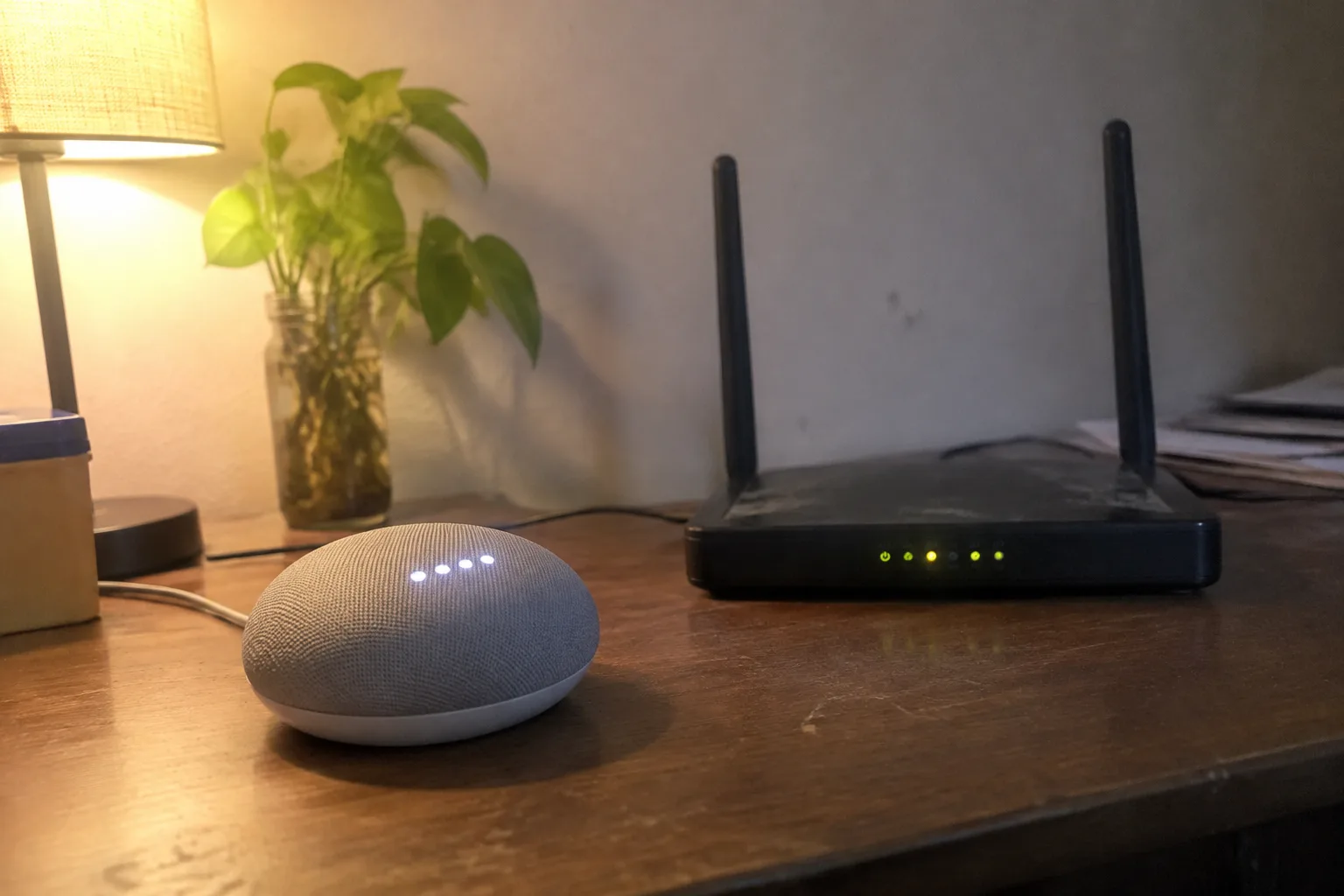
A smart home hub is a small box that speaks Zigbee, Z-Wave, Thread, or Matter to sensors and switches, then hands those devices a single brain to talk to. Plain Wi-Fi is the router already sitting in the hallway, asking each gadget to fend for itself. The difference sounds technical. It shows up as a light that turns on in one second or four, a lock that still works when the internet is down, and a phone that stops juggling six apps.
Most households do not need a hub. That verdict deserves an argument rather than a shrug, because the hub aisle keeps growing and the packaging keeps promising a calmer house.
Start with the number that matters: how many devices a home actually runs. A typical setup is a router, a couple of smart plugs, a video doorbell, maybe a thermostat and a handful of bulbs. That is five to ten gadgets, all of which can speak Wi-Fi and none of which care about each other. A hub solves a coordination problem this house does not have.
The coordination problem appears later, and it appears fast. Add motion sensors, door sensors, a few smart buttons, motorized blinds, and the count climbs to thirty or forty endpoints. Wi-Fi routers handle that many connections in principle. In practice the 2.4 GHz band starts to sound like a crowded room, and every sensor that reports its battery level becomes one more voice shouting over the others.
The router is a bad conversationalist for tiny sensors
A door sensor sends a few bytes when the door opens and then sleeps for hours. Wi-Fi was built for streaming, not for whispering. Keeping a Wi-Fi radio awake enough to hear a command drains a coin cell in weeks. Zigbee and Thread were designed around the opposite assumption: tiny packets, long sleeps, batteries that last a year or more.
This is the one technical fact that genuinely justifies a hub. A house full of battery-powered sensors on Wi-Fi means a drawer full of dying coin cells and a calendar full of replacement reminders. Move those sensors onto a low-power mesh and the maintenance burden drops to an annual chore.
The mesh needs a translator. That translator is the hub. It listens on the low-power radio, converts the message, and passes it along to the phone or the cloud. The hub is not the brain of the house. It is the interpreter standing between two languages that were never meant to share a room.
What breaks when the internet goes down
Cloud-dependent Wi-Fi gadgets fail in a specific, annoying way. The power blips during a storm, the router reboots, and the bulbs come back on at full brightness because their schedule lived on a server in another time zone. The lock still opens with a key. The camera stops recording. The thermostat forgets the evening setback.
A local hub changes that failure mode. Schedules and automations run on the box in the closet, so a dropped connection means the phone app goes quiet while the lights keep following their routine. For anyone who has stood in a dark kitchen waiting for a cloud service to come back, this is the argument that actually lands.
The catch is that local control has to be configured deliberately. A hub bought and left on defaults will happily phone home like everything else. The benefit comes from moving the automations onto the device and accepting that remote access is a convenience, not a foundation.
Matter changed the math, slowly
Matter was supposed to end the format war. A bulb certified for Matter should pair with any Matter controller, whether that controller is a speaker, a router, or a dedicated hub. The promise is real and the rollout has been uneven. Early firmware was flaky, some devices needed a manufacturer app to finish setup, and the phrase "works with Matter" still hides a lot of asterisks.
What Matter did accomplish is making the hub less of a lock-in trap. A hub that speaks Matter and Thread can adopt devices from several brands without asking the homeowner to commit to one ecosystem for a decade. That is a meaningful improvement over the old Zigbee hubs that only played nicely with their own catalog.
Thread, the low-power radio Matter prefers, also needs a border router. Some smart speakers and routers now include one. That means a household can get the low-power mesh without buying a separate hub-shaped box, provided the gear on hand already covers it.
The phone is the real hub, and it is terrible at the job
Ask a household how it controls the smart devices and the honest answer is a phone with six apps and a home screen full of widgets. Each brand insists on its own login, its own notification settings, its own update cadence. The result is a control panel stitched together from incompatible parts.
A hub consolidates those apps into one interface. That is its quietest selling point and the one most likely to improve daily life. One place to see every device, one set of automations, one login to manage. The hardware is unremarkable. The reduction in app fatigue is not.
Voice assistants do part of this work already. A speaker in the kitchen can turn off the lights without opening anything. The gap appears the moment a routine needs a condition, a delay, or a device the assistant does not support. That is where the hub earns its shelf space.
A cheaper path through the same problem
Before buying a hub, count the devices and count the apps. Under ten gadgets and two apps, a hub is a solution shopping for a problem. The money is better spent on a router that handles many connections without choking, since every Wi-Fi device shares that one radio.
A mesh Wi-Fi system with a dedicated backhaul does more for a crowded house than a hub does. It keeps the video doorbell from stuttering while someone streams a movie, and it keeps the smart plugs responsive during the evening peak. The improvement is invisible when it works, which is the point.
The other cheap move is to buy devices that speak Matter and Thread from the start. That keeps the option open. A homeowner who standardizes on the newer radios can add a border router later without replacing a single sensor, and the decision about whether to centralize can wait until the device count makes it obvious.
Where a hub pays for itself in a single afternoon
The case for a hub sharpens around specific rooms. A hallway with a motion sensor, a door sensor, and two bulbs wants a rule: motion after sunset turns on the light at thirty percent, no motion for five minutes turns it off. On Wi-Fi that rule depends on a cloud service and a phone. On a hub it runs locally and survives an outage.
A garage door is another. The opener, a tilt sensor, and a camera all need to agree on whether the door is open, and the notification needs to arrive whether or not the internet is up. A hub handles that conversation in milliseconds. A pile of separate Wi-Fi apps handles it by sending three notifications and hoping someone reads them.
Rental units and small apartments rarely reach the threshold. The device count stays low, the routines stay simple, and the router does the job. The hub becomes worthwhile when the house starts behaving like a system rather than a collection of gadgets.
The maintenance nobody mentions
A hub is another computer. It needs firmware updates, a backup of its configuration, and a place to sit where the radio signal reaches the far corners of the house. A hub tucked into a metal media cabinet will drop the sensors at the back of the garage and the homeowner will blame the sensors.
Placement matters more than the spec sheet. A central closet shelf, away from the microwave and the cordless phone base, does more for reliability than a faster processor. The mesh radios are modest, and distance through two walls eats most of their range.
There is also the question of what happens when the hub dies. A failed hub can take every automation with it, and the replacement may not restore the old configuration cleanly. A household that has built its evening routine around one box should know where the backup lives and how to restore it.
A decision that fits the house, not the aisle
The honest recommendation splits by device count. Under fifteen endpoints and two or three brands, the router and a couple of Matter devices cover everything, and the money stays in the wallet. Above that, with sensors on batteries and routines that need to run without the cloud, a hub starts earning its place.
The middle ground is the most common and the least discussed. A house with a dozen devices, one video doorbell, and a growing wish list sits right at the edge. The right move there is to buy the next sensor on Thread rather than Wi-Fi, keep the router healthy, and delay the hub until the app count crosses four.
What separates the two paths is not intelligence. The router is not dumb and the hub is not smart. The difference is where the coordination happens: in the cloud, one device at a time, or in a box on a shelf that keeps working when the internet does not. A household that never notices the difference has probably chosen correctly.


