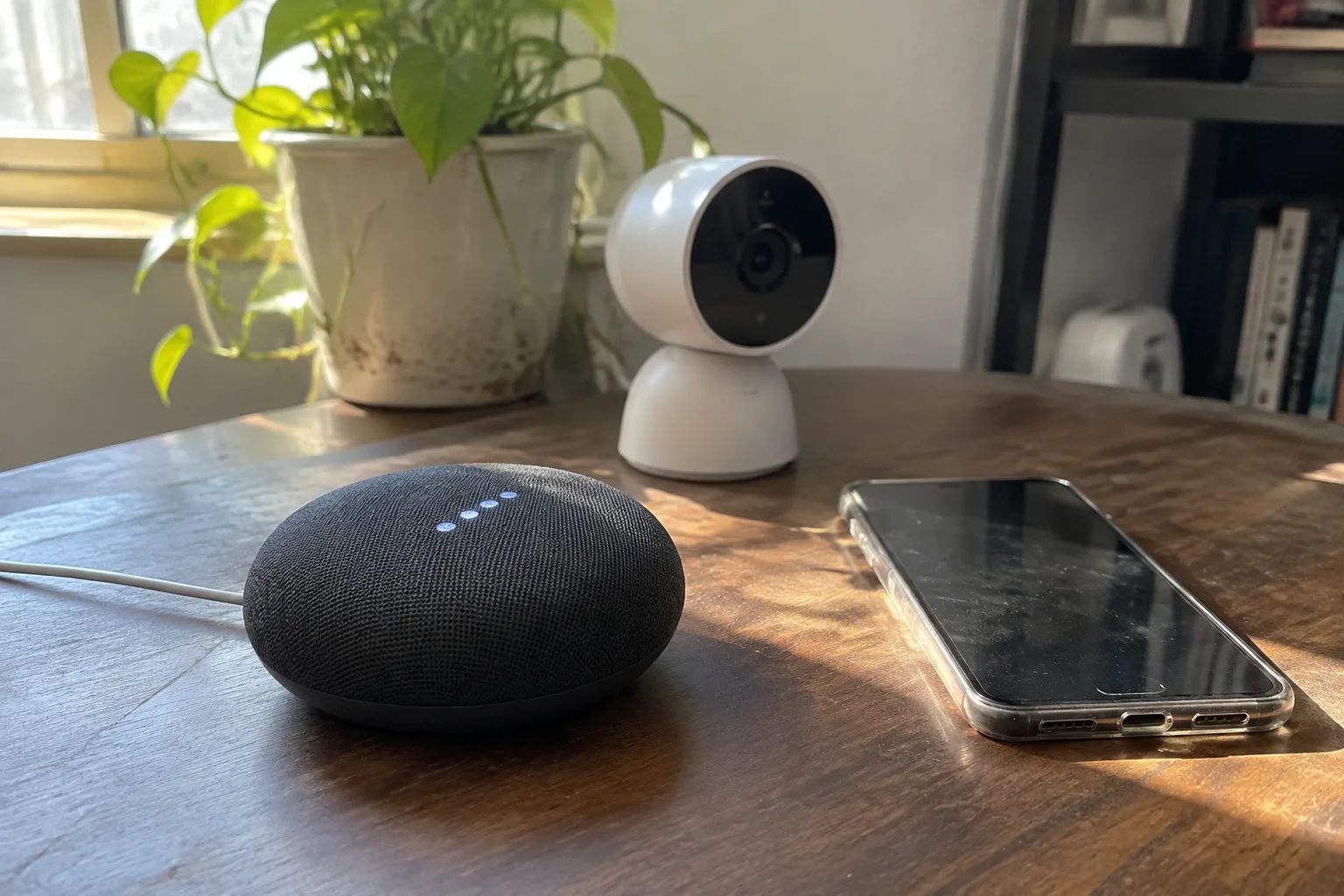
The box arrives with a glossy diagram on the back showing a phone, a lock, a light, a thermostat, and a camera all connected by thin white lines. A shopper buys the hub on the strength of that diagram. Two years later the hub sits on a shelf with three devices actually talking to it, and the other twelve are on four different apps, each with its own login and its own update schedule. The checklist that would have prevented this has almost nothing to do with the hub's processor speed or how many devices it claims to support.
A smart home hub is a small computer whose only real job is translation. It speaks the languages that devices use (Wi-Fi, Zigbee, Z-Wave, Thread, Bluetooth, Matter) and turns them into a single interface. The quality of that translation, and how long it stays good, is what a buyer is actually evaluating, even when the product page is selling something else entirely.
Count the radios before reading a single review
The spec sheet lists something like "Zigbee, Z-Wave, Wi-Fi, Bluetooth, Thread." Each of those words is a radio, and each radio is a separate decision with cost and consequence. A hub with Zigbee and Wi-Fi only cannot talk to a Z-Wave door sensor no matter what firmware update arrives later. The radio is soldered inside the plastic; it does not appear in software.
Zigbee and Z-Wave dominate the installed base of battery-powered sensors: door contacts, motion detectors, leak sensors, buttons. These devices run for a year or more on a coin cell because they use low-power mesh radios, and the mesh gets stronger as more mains-powered devices join it. Wi-Fi devices are cheaper to manufacture and plug into the router directly, but they drain batteries fast and crowd the 2.4 GHz band. Thread is the newer low-power mesh, and Matter is the application layer that lets different brands share a common language on top of it.
The practical question is what the household already owns or intends to buy. A hub chosen for its radio lineup will outlive several generations of devices. A hub chosen for its app design will be replaced within three years.
Matter support comes with a version number and a date
"Works with Matter" appears on almost every hub sold now. The phrase means less than it seems. Matter has shipped in multiple revisions, each adding device categories and features, and a hub certified for one revision may not accept devices built to a later one. Some hubs support Matter over Wi-Fi but not Matter over Thread, which matters enormously because the low-power Thread devices are the ones worth owning.
A buyer should look for the specific Matter version the hub supports and whether Thread is included as a border router function. The date of the last firmware release is the second signal. A hub that has not received an update in eighteen months is a hub the manufacturer has quietly stopped developing, and the open standard will not save it. Standards compatibility is a moving target, and only active firmware work keeps a device on the right side of it.
Local control decides what happens when the internet drops
Many popular hubs route every automation through a cloud server. The motion sensor triggers, the signal travels to a data center, the data center decides to turn on the light, and the signal travels back. This works well until the broadband connection fails or the manufacturer's servers have an outage, at which point the house stops responding to its own switches.
Hubs that keep automations on the device continue to run when the internet is gone. Lights still turn on, locks still respond, schedules still fire. A buyer should verify this rather than assume it, because "local control" gets used loosely in marketing. The test is whether a routine involving two devices can run with the router's WAN cable unplugged. If the answer is no, the hub is a remote control for someone else's computer.
Cloud dependence also carries a second cost, quieter than an outage. Automations that depend on a cloud round trip often run a fraction of a second slower, and in a hallway light triggered by motion, that fraction is the difference between a light that anticipates a person and a light that greets them after they have already found the switch.
The manufacturer's lifespan is part of the hardware
Smart home companies fold. They get acquired, they pivot, they discontinue product lines. When that happens, cloud-dependent hubs turn into bricks, and even local hubs lose their app and their update pipeline. The Wink hub, once a fixture of the category, is the well-known cautionary tale: users were told to subscribe or lose access, and the platform never recovered its momentum.
This is why the age and size of the manufacturer matters less than its business model. A company that sells hardware and hopes for app-store revenue has different incentives than one that sells a subscription. Neither is automatically safe, but a buyer should know which one is being bought into. A hub backed by an active open-source community, or one that exposes a documented local API, retains value after the company loses interest because other people can keep it working.
An open API outlasts any app the company ships
Two hubs can have identical radios and identical Matter badges, and one will be worth keeping in five years while the other is not. The difference is whether the manufacturer documents a local API or allows third-party integrations like Home Assistant, HomeKit, or MQTT to control it directly.
A documented API means the hub's fate is decoupled from its vendor's roadmap. The stock app can rot; something else will drive the devices. A closed hub with a polished app and no API is a bet that the company stays interested, and that bet has a poor historical record in this category.
Ethernet, not just Wi-Fi, on the hub itself
Small detail, large consequence. A hub placed at the center of a home's device network should have an Ethernet port, and it should be used. Wi-Fi on the hub adds a wireless hop to every command and makes the hub dependent on the same crowded band as the devices it is trying to manage. A wired hub sits at the router, speaks to the mesh radios from a fixed location, and stops competing for airtime.
Placement follows from this. Hubs with only Wi-Fi get tucked into whatever outlet is convenient, often behind a television or in a closet, where the Zigbee and Z-Wave mesh is weakest. The hub's location is a physical decision that a buyer makes once, and it should be made deliberately: central, elevated, away from the microwave and the metal shelving.
How many devices the hub actually handles well
Spec sheets quote a maximum device count, usually a large number. The number that matters is lower and harder to find. Every hub has a practical ceiling where its processor, memory, and radio scheduling begin to produce lag, missed events, and automations that fire late. A hub rated for 150 devices may become unpleasant at 60 once several are cameras or power-monitoring plugs that report constantly.
Buyers with a modest plan, a dozen sensors and a few lights, can ignore this entirely. Buyers who expect to keep adding devices for years should favor a hub with headroom and a community large enough that the ceiling has been documented by other users. The device count is a symptom; the real limit is how much chatty traffic the hub can schedule without dropping the important signals.
Backups, migrations, and the exit plan
A hub holds the household's automation logic: the routines, the scenes, the schedules, the device names. Losing that configuration to a failed unit or a botched firmware update is a weekend of re-pairing dozens of devices, each one requiring a physical button press and a walk around the house.
Before buying, a person should check whether the hub supports exporting a backup and whether that backup can be restored to a replacement unit. Some do; many do not. The question is rarely answered on the product page, which is itself informative. A manufacturer that has thought about migration has usually written about it.
The protocol decision that cannot be undone cheaply
Sensors and switches are cheap to replace. The hub is not, because it is the thing everything else was paired to. A buyer who picks a hub for its radio lineup and its local API can change phones, routers, and even internet providers without touching the devices. A buyer who picks a hub for its app and its cloud features will eventually repurchase the entire system.
The checklist, then, is short and unglamorous: count the radios, confirm the Matter version and the firmware date, test whether automations survive an unplugged router, check the manufacturer's business model, look for a documented local API and an Ethernet port, find the real device ceiling, and confirm that a backup can be restored. None of these appear in the diagram on the box. All of them decide whether the diagram is still true in three years.


