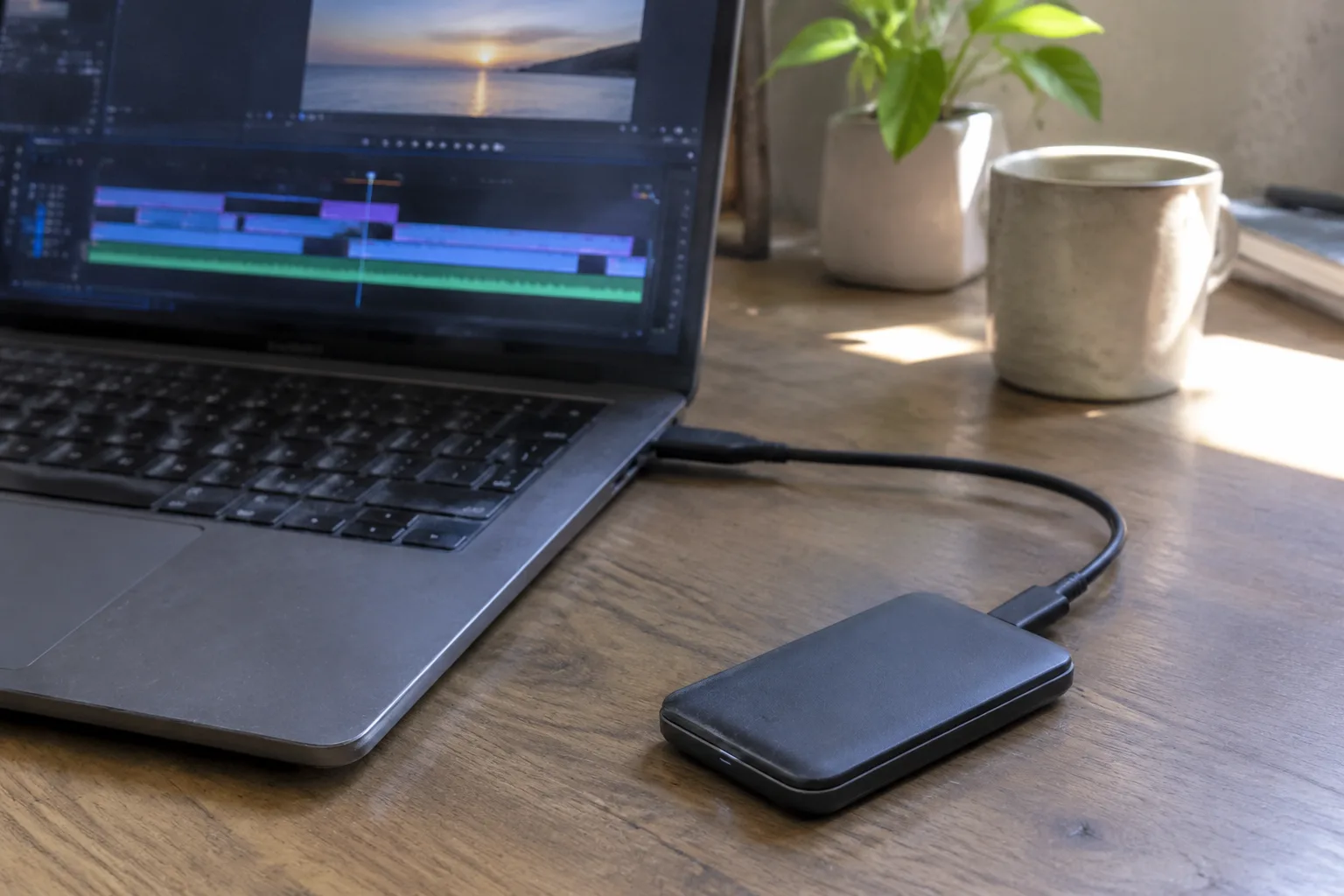
The portable SSD has become the default answer to a question editors ask themselves in hotel rooms at midnight: where does the footage go? A laptop drive fills up fast when a shoot dumps 400 GB of 4K files in an afternoon, and the internal drive is often the smallest, most expensive place to put them anyway. An external solid-state drive solves the storage problem in something the size of a pack of cards. The trouble is that most buying advice is written for the desk-bound, where the drive sits on a shelf and never moves. Editing away from a desk is a different animal.
What follows is a checklist built around that specific situation: a drive that travels, gets plugged and unplugged several times a day, and has to keep up with scrubbing through timelines on a machine that is also running on battery. The criteria shift. Capacity matters less than sustained write speed. Ruggedness matters more than the spec sheet suggests. And the cable, which almost nobody thinks about, is the part that fails first.
The interface decides more than the drive does
A portable SSD is only as fast as the port it plugs into, and this is where most purchases go wrong. Drives advertise headline numbers near 2,000 MB/s, but those figures assume a USB 3.2 Gen 2x2 or Thunderbolt connection. Plug the same drive into an older USB-A port and it may crawl along at a fraction of that. The drive is fine. The pipe is narrow.
For laptop-based editing, the practical target is USB 3.2 Gen 2, which caps around 1,000 MB/s and is plenty for scrubbing multicam footage and rendering exports without waiting. Thunderbolt is faster and more expensive, and it earns its price only when working with high-bitrate raw or multiple streams at once. A Gen 2 drive with a good controller will feel instant for most edit work. Chasing the fastest spec on the box is usually money spent on a speed the laptop cannot deliver.
The connector type matters as much as the protocol. USB-C on both ends is the sane choice now. It is reversible, it is the same port used for charging most modern laptops, and it avoids the small pile of adapters that USB-A drives eventually require. A drive with a captive USB-C cable or a standard USB-C port is the one to buy. Anything else adds a failure point.
Sustained write speed, not the peak number
Marketing copy quotes peak sequential speeds, measured in a burst that lasts a few seconds. Real editing does not work that way. Copying a 64 GB camera card is a sustained write, and cheap drives slow down dramatically once their cache fills. A drive that hits 1,000 MB/s for ten seconds and then drops to 200 MB/s will turn a card offload into a coffee break.
The tell is the cache. Drives built around DRAM-less controllers and small SLC caches are the ones that fall off a cliff. Reviews that test sustained writes, not just the peak, are the ones worth reading. For editing away from a desk, where offloading cards is a nightly ritual, sustained performance is the number that shapes the experience. The peak figure is mostly a sticker.
Capacity: buy for the shoot, not for the archive
There is a temptation to buy one enormous drive and treat it as the whole archive. That is the wrong instinct for a traveling editor. A single 4 TB drive that holds everything is a single point of failure that travels in a bag and gets dropped. Two 2 TB drives, one working and one backup, cost about the same and survive a bad afternoon.
Capacity also affects speed and price in ways that are not linear. The 1 TB and 2 TB sizes tend to sit at the sweet spot of price per gigabyte. The 4 TB and 8 TB drives command a premium that rarely pays off for field work. A working drive of 2 TB holds a comfortable multi-day shoot in most codecs, and a second drive of the same size mirrors it. When the shoot ends, both go home and the footage gets copied to a proper archive.
The archive is a separate concern. A portable SSD is a working surface, not a vault. Treating it as long-term storage is how footage gets lost when the drive is dropped, stolen, or simply wears out.
Ruggedness is a real specification, not a marketing word
An external drive in a laptop bag gets knocked against doorframes, sat on in trains, and occasionally rained on. The ruggedness claims on the box vary wildly in what they actually mean. A drop rating in meters, an IP rating for dust and water, and a crush rating in pounds are the three figures worth checking. A drive with an IP55 or better rating handles dust and splashes. A drop rating of 2 meters or more covers the realistic accident of a drive slipping off a table.
The physical design matters too. Rubberized bumpers absorb impact better than a bare aluminum shell. A drive with an integrated cable loop or a captive cable is harder to lose and harder to damage. Metal enclosures look premium and feel solid, but they transmit shock directly to the internals. The ugly rubberized drives are often the ones that survive a season of travel.
Heat is the quiet enemy of a long export
Solid-state drives throttle when they get hot. In a desk setup with airflow, this rarely matters. In a hotel room with the drive sitting on a bedspread next to a laptop that is also running hot, it matters a lot. A long export can push a compact drive into thermal throttling, and the render time stretches out without any obvious cause.
Metal-bodied drives dissipate heat better than plastic ones, which is one argument in their favor despite the shock concern. The practical fix is simple: keep the drive on a hard surface, not fabric, and avoid stacking it on top of the laptop's exhaust. Some drives include thermal pads or heatsink fins, and those are worth the small weight penalty for anyone rendering on the road. A drive that stays cool keeps its speed.
The cable is the part that fails
Every editor who has traveled with a drive for a few years has a drawer of dead cables. The cable flexes at the connector, gets yanked when a laptop is moved, and eventually the shielding fails or the connector loosens. A drive with a proprietary connector, or one that only works with its bundled cable, is a liability. A standard USB-C port on the drive means any decent USB-C cable works as a replacement.
The cable also has to be rated for the speed. A cheap charge-only USB-C cable will connect the drive and then run it at USB 2.0 speeds, which is slow enough to make the drive feel broken. Buying a spare, clearly rated USB 3.2 Gen 2 cable and keeping it in the bag is cheap insurance. The bundled cable is often short and stiff, fine for a desk and annoying in a hotel. A longer, well-made cable improves the working experience more than most people expect.
Encryption and the drive that gets left behind
A portable drive carrying client footage is a security problem the moment it leaves the building. Hardware encryption built into the drive is convenient because it does not depend on the operating system, but it also means a forgotten password turns the drive into a brick. Software encryption, whether FileVault, BitLocker, or VeraCrypt, travels with the files and is easier to manage across machines. The choice depends on whether the drive will ever be used on a computer that is not the editor's own.
Whatever the method, the drive should be encrypted before it ever holds a frame of client work. Setting up encryption after the fact means decrypting, reformatting, and copying everything again. Doing it on day one takes twenty minutes and removes a category of anxiety from every trip.
A working drive and a mirror, carried separately
The single most useful habit for editing away from a desk is redundancy that is physically separate. Two drives, both encrypted, both holding the same footage, carried in different bags or at least different compartments. The cost is one extra drive, which for a 2 TB model is modest against the value of a shoot that cannot be reshot.
The working drive stays plugged into the laptop during the edit. The mirror stays in the bag until the end of the day, when the new footage gets copied to it. This is not a backup in the data-center sense. It is a hedge against the specific failure of a drive that travels, which is the drive getting dropped, soaked, or left in a taxi. The mirror is the version that did not go through that.
When the trip ends, both drives go home, and the footage lands on a proper archive. The portable SSDs go back in the bag for the next shoot. That cycle, working drive and mirror, encrypted and carried apart, is the whole discipline. The drive spec sheet is secondary to it. A modest drive used this way beats a flagship drive used carelessly, every time the bag gets zipped and the laptop gets closed.


