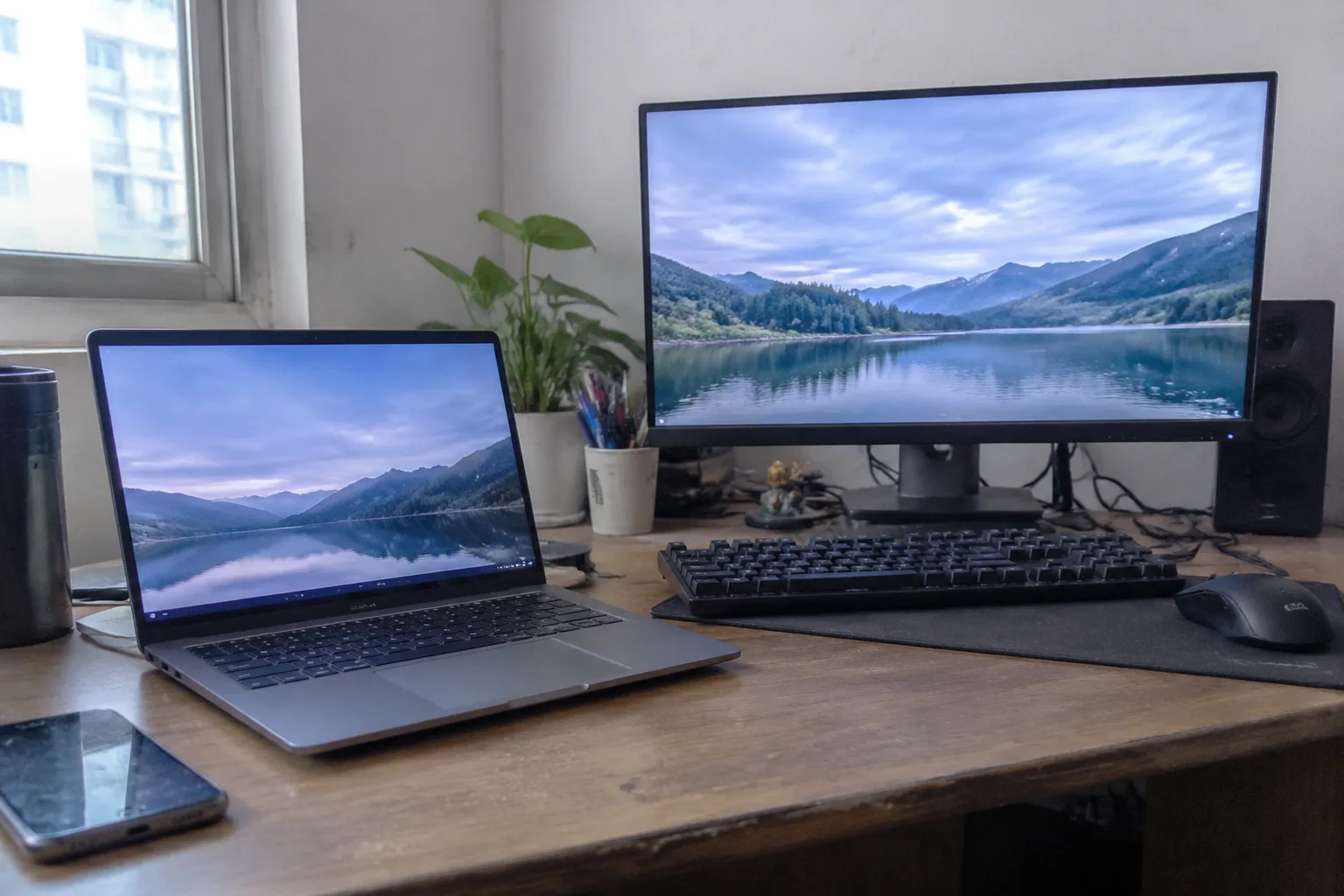
The laptop versus desktop question has a way of sounding settled before it begins. Laptops are portable, desktops are powerful, pick the one that matches the work. That summary fits a brochure. It falls apart the moment the work involves a second monitor, a mechanical keyboard, and a video call that starts in four minutes.
The real decision is less about processing power than about where a home office physically lives and how it gets used across a week. Get that right and either machine will feel adequate. Get it wrong and a perfectly good computer becomes a daily annoyance.
There is one honest generalization worth stating up front: a desktop is furniture, and a laptop is equipment. Furniture stays put and rewards planning. Equipment moves and rewards flexibility. The trouble starts when a household buys one and expects the behavior of the other.
The Desk Is the First Thing That Gets Decided
A desktop needs a home. Not a corner of a table that gets cleared for dinner, but a surface that stays a desk. The tower, the monitor, the keyboard, the tangle of cables, the external drive that never quite gets put away: all of it settles in and claims territory.
In a house with a spare room, that is easy. In a one-bedroom apartment where the dining table doubles as a conference room, a desktop turns every evening into a negotiation. The cables come out, the monitor gets angled away from the kitchen, and someone eventually knocks a mug into the keyboard.
A laptop closes. That single hinge solves more domestic conflicts than any spec sheet suggests. A closed laptop on a shelf is invisible. A desktop is never invisible.
What a Desktop Buys for the Money
Dollar for dollar, a desktop still delivers more machine. A mid-range tower runs circles around a laptop at the same price, and the gap widens with heavy work: large spreadsheets, video edits, code compilation, anything with a long render bar. The tower also breathes. Fans can be large and slow, which means a desktop under load is often quieter than a thin laptop fighting to stay cool.
Repair is the underrated part. A desktop opens. Memory, storage, a failing power supply: all are replaceable in an afternoon with a screwdriver and a ten-minute video. A laptop ages as a sealed unit, and when one component dies, the whole machine can go with it.
Then there is the screen. The monitor attached to a desktop is chosen separately, which means it can be large, matte, and positioned at eye level. That matters over a long week more than most buyers expect.
The Laptop's Screen Is Its Weakest Point
Laptop screens have improved enormously, and the best of them are genuinely beautiful. They are also small, and they sit at whatever height the hinge allows. For a few hours a day, fine. For eight, the posture starts to complain.
The common workaround is a docking station and an external monitor, which turns a laptop into a desktop for most of the day. That setup works well. It also quietly removes the laptop's main advantage during working hours, and it adds a dock, a second power brick, and another set of cables to the desk.
So the honest comparison is rarely laptop versus desktop. It is desktop versus laptop docked to a monitor, which is a desktop with extra steps and a battery.
Battery Anxiety and the Plugged-In Reality
Laptop batteries degrade. A machine that ran six hours on a charge in its first year may struggle to reach three by its fourth. For a home office laptop that spends most of its life plugged in, this rarely matters. For one that travels, it matters a great deal.
The awkward truth is that many home office laptops are effectively desktops that happen to have a battery. They sit on a desk, plugged in, with the lid open, for months. The portability gets used twice a year, on a trip or a visit to a coffee shop, and the rest of the time it is dead weight and a wear item.
The Case for One Machine That Goes Everywhere
Against all of that sits a real advantage: a single machine means a single set of files, a single login, a single environment. No syncing, no "which computer has the latest version," no forgetting the charger at the office. For anyone who moves between rooms, houses, or cities, that continuity is worth more than raw performance.
A laptop also survives a change of plans. A move to a smaller apartment, a temporary desk at the kitchen counter, a week of working from a relative's spare room: the laptop adapts without a trip to the store. A desktop commits to a room.
Who Actually Regrets the Choice
The people who regret buying a desktop tend to share a profile. They bought it for a dedicated office, then started working from the sofa, the bed, or a cafe. The tower sat idle while a phone or tablet did the real work. The money was spent on power that never got used in the place it was needed.
The people who regret buying a laptop tend to share a different profile. They bought a thin, light machine for a job that turned out to need a large screen and sustained performance. They ended up with a dock, a monitor, a keyboard, and a laptop that runs hot and loud under load. They paid a premium for portability they rarely use.
Both regrets come from the same mistake: buying for the imagined use rather than the actual week. The fix is to write down, honestly, how many hours a week the machine leaves the desk. If the answer is close to zero, a desktop is the better buy. If it is more than a handful, the laptop earns its premium.
The Middle Path: A Cheap Laptop and a Real Desktop
For households with the space and the budget, the most satisfying arrangement is often both: a solid desktop at the main desk and an inexpensive laptop for the road. The laptop does not need to be powerful. It needs to open documents, join calls, and survive a train ride. The desktop carries the heavy work.
This pairing costs less than one premium laptop in many cases, and it removes the compromise from both ends. The desktop gets the big monitor and the quiet fans. The laptop gets to be small, light, and cheap to replace.
The Question of the Next Five Years
Buying a computer is really a bet on the next half decade of a household's life. A desktop assumes the desk stays. A laptop assumes the work moves. Neither assumption is safe forever, which is why the upgrade path matters as much as the first purchase.
A desktop is easier to keep alive. Add memory, swap a drive, replace a monitor. A laptop is easier to replace entirely, and its resale value, while modest, is real. The desktop holds its usefulness longer; the laptop holds its mobility longer.
There is a small, practical test that settles more of this than any comparison chart. Picture the desk at seven in the evening on a ordinary Tuesday. Is the machine still there, lid open, monitor glowing, cables in place? Or has it been carried to the kitchen, closed and put away? The answer to that picture is the answer to the whole question.


