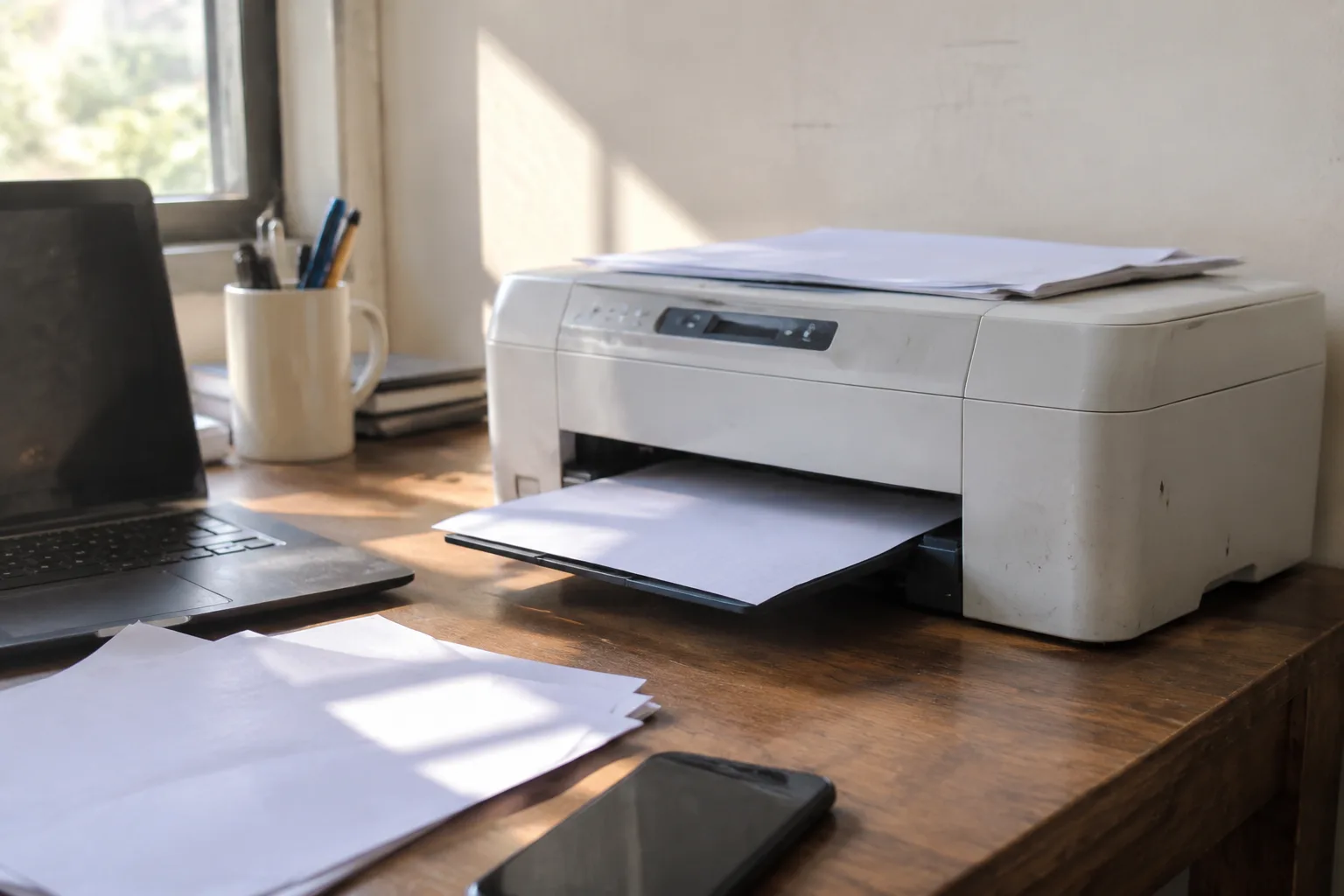
A home printer is the only piece of technology in the house that sits idle for twenty-three hours a day and then, on the one morning a school form is due, decides to negotiate. The paper jams. The ink has dried into a brick. The wireless network it remembered last month has become a stranger. All of this happens at the worst possible moment, which is why the purchase deserves more thought than it usually gets.
The good news is that a wireless printer for a household is a solved problem in 2024, and a sensible one can be had for well under two hundred dollars. The bad news is that the market is crowded with machines designed to make money after the sale rather than at the register, and the spec sheets do not make the distinction obvious. A buyer who walks into a store or scrolls through a listing armed with nothing but a budget will very likely end up with a box that prints beautifully for eight months and then quietly becomes a subscription.
So the task is not really picking a printer. It is picking a payment model, then a paper path, then a brand, in that order.
The ink cartridge is the actual product
Printer makers have spent two decades perfecting a business model in which the hardware is a loss leader and the consumables carry the margin. A compact color inkjet that sells for eighty dollars might cost the manufacturer more than that to build. The profit arrives in the form of a tiny plastic cartridge that holds a few milliliters of ink and retails for the price of a decent dinner.
This is not a secret, but it is easy to forget in the aisle. The number that matters is not the sticker on the box. It is the cost per page, and manufacturers bury that figure in fine print or leave it out entirely. A rough calculation helps: divide the cartridge price by the manufacturer's stated page yield. A sixty-dollar color cartridge rated for three hundred pages works out to twenty cents a page before the black cartridge is even counted. Print forty pages a month and the annual ink bill quietly exceeds what the printer cost.
There are three ways out. The first is a tank printer, which uses refillable reservoirs instead of sealed cartridges. Epson's EcoTank line and Canon's MegaTank are the best-known examples, and the economics are dramatically different: a bottle of ink costs fifteen to twenty dollars and lasts for thousands of pages. The upfront price is higher, often two hundred to three hundred and fifty dollars, but the per-page cost drops to a cent or two. For a household printing homework, recipes, and the occasional return label, the break-even arrives within a year.
The second option is a laser printer, which uses toner powder rather than liquid ink. Toner does not dry out, which matters enormously for a machine that sits unused for weeks. A monochrome laser can go months between jobs and fire up on the first try. The trade-off is color: a color laser costs considerably more, and photo printing on one looks flat compared with an inkjet.
The third option is a subscription, and it deserves a hard look rather than a reflexive dismissal. HP's Instant Ink and similar programs ship cartridges automatically based on usage and charge a monthly fee. For a heavy printer, the math can work. For a light one, the company still collects its fee whether the pages are printed or not. Read the terms carefully; several of these programs require an active connection and will lock the printer if the subscription lapses.
Why the cheapest inkjet is usually a trap
The forty-nine-dollar doorbuster on the endcap is the most expensive printer in the store, in the same way that a free puppy is the most expensive dog. It ships with "starter" cartridges that hold a fraction of the ink of a retail cartridge, so the first replacement arrives almost immediately. It has likely been discontinued, which means the cartridges will become scarce within two or three years. It may also be region-locked to a specific cartridge SKU, a practice that has become common enough that buyers should check before committing.
The pattern is consistent across brands. The very cheapest model in a lineup exists to get a customer into an ecosystem. The mid-range model, usually fifty to a hundred dollars more, is where the engineering gets sensible. That is where a buyer should look first.
The wireless part is rarely the problem it once was
Ten years ago, connecting a printer to a home network was a genuine ordeal involving WPS buttons, hidden SSIDs, and a ritual sacrifice. That has mostly been fixed. Modern printers support Wi-Fi Direct, which lets a phone or laptop talk to the printer without a router at all, and most handle the standard 2.4 GHz band without complaint. Setup is usually a matter of downloading the manufacturer's app and following prompts.
Two caveats are worth knowing. First, many printers only speak the 2.4 GHz band, not the 5 GHz band that modern routers often prefer. A router that broadcasts both under one name can confuse the printer during setup; splitting the bands temporarily is the usual fix. Second, cloud printing services, which let a person print from anywhere, tend to be less reliable than they sound. They work, until the manufacturer decides to discontinue the service or the printer's firmware falls out of support. Local network printing is the durable option.
A printer with an Ethernet port is worth the small premium for anyone with a router nearby. Wired printing does not care about band steering, firmware updates to cloud services, or the neighbor's new microwave.
Duplex, ADF, and the features that earn their keep
Automatic duplexing, which prints on both sides of a sheet without manual flipping, is the single most useful feature on a home printer. It halves paper consumption and makes a stack of school worksheets or a lease agreement feel less like a chore. Most mid-range models include it; the cheapest ones often do not.
An automatic document feeder, or ADF, sits on top of the scanner and pulls pages through one at a time. It matters for anyone who scans multi-page documents with any regularity. A flatbed-only scanner forces a person to lift the lid for every page, which is fine for a passport and miserable for a ten-page tax return.
Photo printing is the feature that sells inkjets and disappoints most buyers. A dedicated photo printer with six or eight inks produces gallery-quality prints. A standard four-ink home inkjet produces prints that look fine on the fridge and slightly muddy on the wall. Anyone serious about photos should send them to a lab; the per-print cost is lower and the quality is better.
The paper tray tells a story about the machine
A printer's paper handling is a window into its build quality. A flimsy tray that holds fifty sheets and flexes when loaded is a sign of a machine assembled to a price. A sturdier tray that holds a hundred and fifty sheets and slides in with a satisfying click tends to belong to a printer that will survive a few years of neglect.
Paper jams are the most common failure mode in home printers, and they are almost always caused by cheap paper, a humid room, or a tray that does not hold the stack flat. A printer rated for heavier paper stock, usually listed as a maximum of 200 to 250 grams per square meter, handles cardstock and envelopes without complaint. Anyone printing invitations or shipping labels should check that number before buying.
What the spec sheet leaves out
Duty cycle, the number of pages a printer is rated to handle per month, appears on business-oriented machines and vanishes from consumer listings. It is still a useful proxy. A printer rated for a thousand pages a month will handle a household's forty pages without strain. A printer rated for two hundred is being asked to work near its limit.
Noise is another unlisted variable. Laser printers are loud for a few seconds and then silent. Inkjets are quieter but produce a rhythmic mechanical chatter while printing. Neither is a dealbreaker, but a printer placed in a home office or a bedroom deserves a listen before purchase. Review videos with audio are more useful than spec sheets here.
Firmware policy is the least discussed and most consequential factor. Some manufacturers have shipped updates that reject third-party cartridges, disable features, or require an HP account to use the scanner. The policy varies by brand and model, and it changes. A buyer should search for the specific model number alongside the word "firmware" before committing. Community forums are more candid than marketing pages.
A short list of questions worth answering before checkout
How many pages will this household print in a typical month? A family with two school-age children and a home business might print a hundred. A retired couple printing the occasional crossword might print five. The answer points toward a tank printer in the first case and a monochrome laser in the second.
Does color matter? If the answer is "for the occasional recipe or greeting card," a color inkjet or tank printer is fine. If the answer is "for photos," a lab is better. If the answer is "not really," a monochrome laser is the most reliable machine in the house.
Where will the printer live? A humid basement is hostile to inkjet cartridges. A closet with no ventilation is hostile to laser toner. A desk near the router is ideal for both.
What is the realistic total cost over three years? Add the purchase price to the estimated ink or toner cost for the expected volume. The tank printer that costs two hundred and fifty dollars upfront and fifteen dollars a year in ink usually beats the eighty-dollar inkjet that costs a hundred and twenty dollars a year in cartridges. The math is not close.
The printer that gets used is the one that gets maintained
An inkjet that sits idle for a month will clog. The printhead dries out, and the machine burns through ink in a cleaning cycle that may or may not restore it. The fix is unglamorous: print something once a week, even a single page, to keep the nozzles wet. A laser printer has no such requirement, which is why it wins for the household that prints in bursts.
Buying a printer is a decision about a household's actual habits. The family that prints forty pages a week and the household that prints a boarding pass four times a year need different machines, and the market sells to both with the same glossy photography. The buyer who knows which one they are will spend less money and considerably less temper.
The most reliable printer in the house, in the end, is the one whose ink has not dried out, whose network has not forgotten the router, and whose owner has not been surprised by a firmware update. That is a low bar, and it is remarkable how many machines on the shelf fail to clear it.


