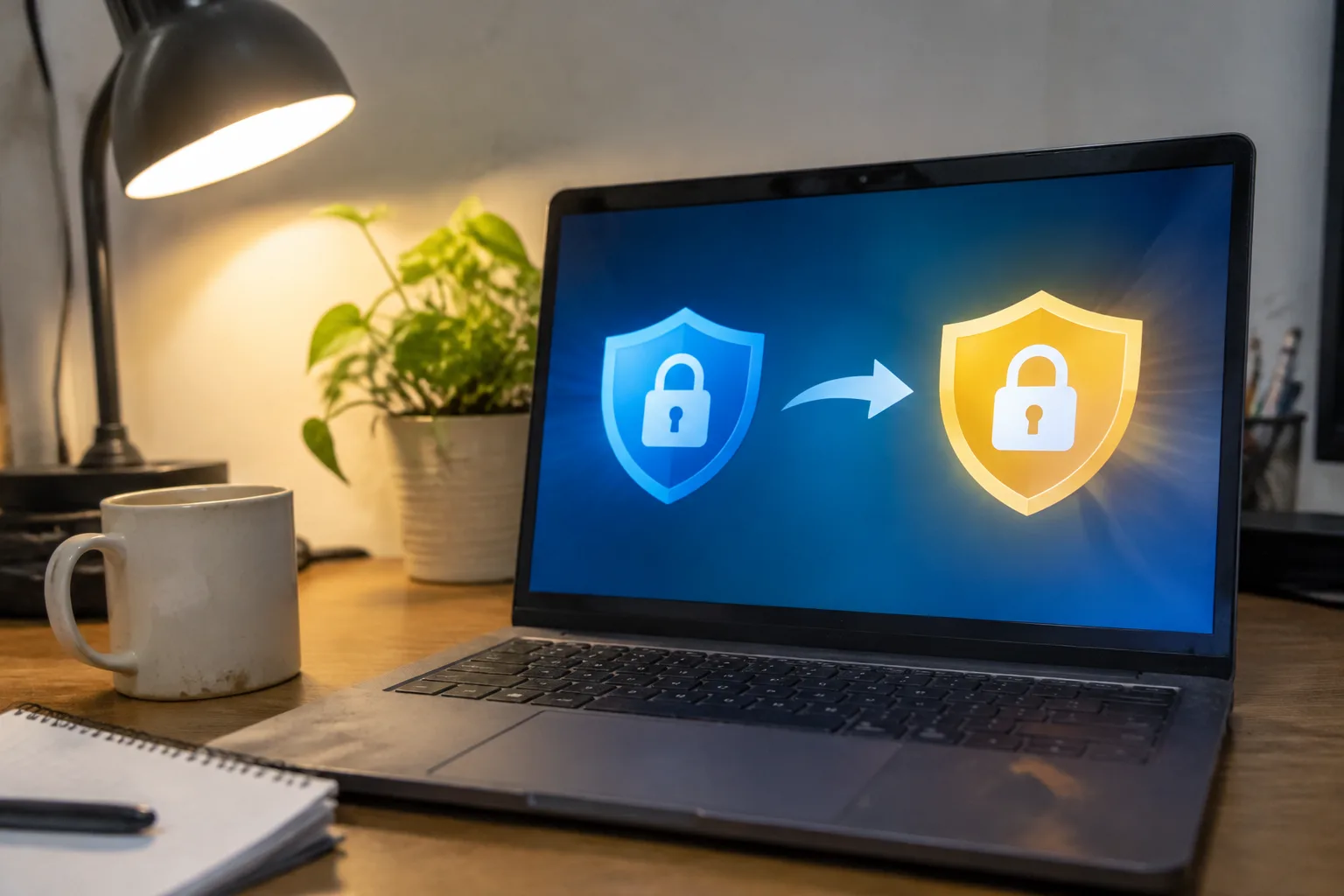
Free antivirus software has a business model that works precisely because most people never leave it. The protection is real but thin, the upgrade prompt is persistent, and the moment a scan finds something serious, the software has already begun steering toward a paid tier. That steering is where the trouble starts, because the transition from free to paid protection is where people get hurt: wrong product, double billing, a subscription they cannot cancel, or a security suite that slows a laptop to a crawl. Moving from free to paid is not hard. Doing it without paying for the wrong thing, twice, takes a little care.
What the free tier actually covers, and what it leaves open
Free antivirus products from the major vendors, Avast, AVG, Bitdefender, Kaspersky, Microsoft Defender, generally handle the basics competently: on-access scanning, signature updates, quarantine of known malware. Independent test labs have for years rated several free products near the top on pure detection. That is the honest part of the free tier.
The gaps appear at the edges. Free versions tend to skip ransomware-specific protection (the behavior monitoring that catches a file locker mid-encryption), phishing and malicious-site blocking in the browser, webcam and microphone guards, and firewall controls. They also tend to skip the unglamorous support that matters when something goes wrong at 11 p.m. before a work deadline.
So the first decision is whether the gap matters. A person who browses carefully, keeps the operating system patched, and does not open attachments from strangers may be fine on a free tier indefinitely. A person who handles invoices, client files, or a small business's bookkeeping has more to lose than a free product is built to protect.
The upgrade prompt is designed to be clicked in a hurry
Most free antivirus programs surface the paid upgrade in the middle of a scan result, a notification, or a system tray warning. The placement is deliberate. The user is already anxious about a finding, and the upgrade button sits closer to the cursor than the dismiss link.
This is the single most common way people end up on a paid plan they did not intend to buy. They click through a scan warning, accept the recommended fix, and a subscription starts. The fix itself may have been legitimate; the subscription may be for a tier that includes features the person will never open.
The safe habit is to treat any in-app upgrade prompt as an advertisement. Close it. Go to the vendor's website directly, in a browser, and read the plan comparison there. The pricing on the website is usually clearer, and the checkout page is less likely to pre-check an annual auto-renewal box.
Choosing a tier without buying the whole suite
Security vendors sell in tiers, and the top tier almost always bundles features most households do not need: parental controls for a household with no children, a password manager that duplicates the browser's built-in one, a VPN with a data cap too small to stream on, identity monitoring that mostly amounts to a monthly email saying nothing was found.
A middle tier usually covers what matters: real-time malware and ransomware protection, a firewall, phishing protection, and a support line. The top tier's extras are worth paying for only if a specific one is genuinely needed. A family with young children might value parental controls. A remote worker on hotel Wi-Fi might value the VPN. Everyone else is paying for shelf decoration.
There is also the multi-device question. Vendors price per device, and a single-device license is often nearly as expensive as a three-device one. Counting the actual devices in use, including the phone and the tablet, before checkout prevents the second purchase later.
Uninstalling the free version before, not after, the paid install
Two antivirus programs running at once is a classic cause of a slow machine, a frozen browser, and a false sense of protection. The scanning engines fight over file access, each one flags the other's components, and the user ends up with a laptop that takes four minutes to boot and assumes the paid product is to blame.
The clean sequence is: uninstall the free product completely, restart, then install the paid product, then restart again. On Windows, the free product's own uninstaller is usually sufficient, but vendors sometimes leave behind a cleanup tool for stubborn remnants. Running that tool before the new install saves a support call later.
One caveat: if the paid product is from the same vendor as the free one, the installer often handles the upgrade in place and preserves settings. That path is fine, but it should be confirmed on the vendor's own instructions rather than assumed.
Reading the auto-renewal terms before the card goes in
Nearly every paid antivirus subscription renews automatically at a higher rate than the introductory price. The first year might be 20 dollars; the renewal might be 80. The renewal terms are disclosed, usually in fine print at checkout and in a confirmation email that lands in a promotions folder.
The practical move is to note the renewal date and price at the moment of purchase, in a calendar reminder set for two weeks before. Some vendors let the user turn off auto-renewal at purchase while keeping the subscription active until it expires. Others bury that toggle. Finding it before paying is far easier than finding it after a charge appears.
This is also where the free-to-paid transition gets expensive for people who forget. A subscription bought in a hurry and never cancelled can renew for years, often at a rate the user never consciously agreed to.
The bundled extras that quietly raise the price
Checkout pages for security suites frequently pre-select add-ons: a VPN subscription, a PC tune-up utility, an identity theft protection plan, a cloud backup tier. Each adds a few dollars a month and each is easy to miss because the total updates quietly as the boxes are checked.
Before confirming payment, the itemized cart deserves a slow read. The base security product is the thing being bought. Everything else is a separate purchase wearing the same invoice. Declining the add-ons costs nothing, and any of them can be bought later, directly, if a real need appears.
What to check in the first week after switching
The paid product should be verified, not assumed. Open the dashboard and confirm real-time protection is on, the virus definitions have updated at least once, and the license shows the correct number of devices and the correct expiry date. A surprising number of paid installs sit inactive because a license key did not register or an old free-product remnant is still intercepting.
Run one full scan in the first few days and note how long it takes and how much of the machine it consumes. If the laptop becomes unusable during a scan, the suite is too heavy for the hardware, and the vendor's lighter tier or a refund window is worth pursuing. Most vendors offer a 30-day money-back guarantee, and it is easier to use in week one than in month four.
Then leave it alone. The value of paid antivirus is the quiet year, the scan that finds nothing, the phishing page that gets blocked before the login form loads. The transition from free to paid is worth doing carefully, once, and then forgetting about until the renewal reminder arrives.


