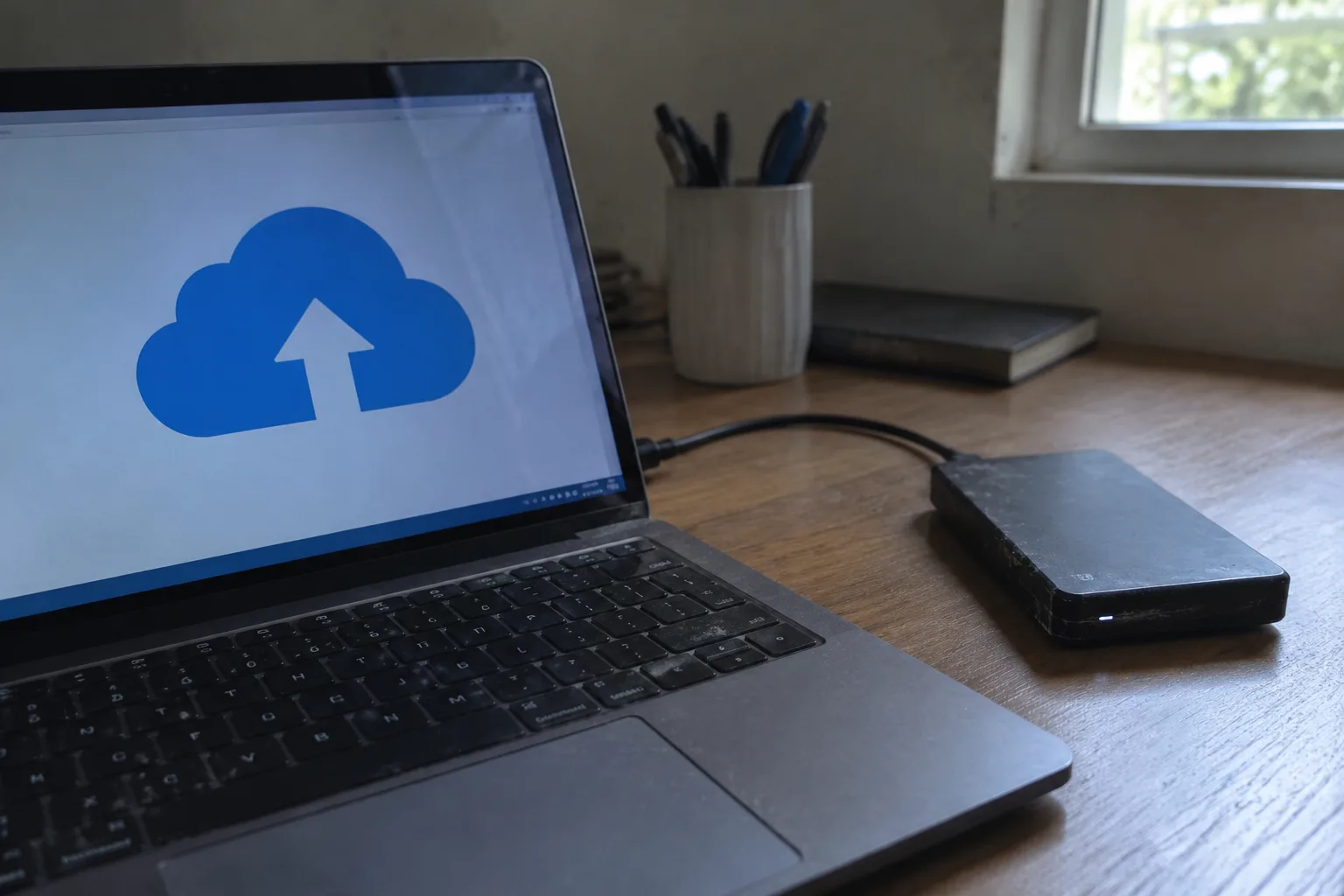
Two terabytes of cloud storage costs less per month than a sandwich in most cities. A two-terabyte external hard drive costs about the same once and then sits on a desk for years. On the face of it, the cloud wins on convenience and the drive wins on price, and the decision should take five minutes. It rarely does. The real split between the two comes down to what happens when the network is slow, when the subscription renews, when the drive gets dropped, and when a person realizes they cannot find the one folder that mattered.
The honest answer for most households is that neither one is a complete solution, and the useful question is which job each one does better. Cloud storage is a sync and backup service with a monthly bill. An external drive is a local volume with a one-time cost and a physical location. Treating them as rivals misses the point. They fail in different ways, and the failures are what should decide the case.
What each one actually is
Cloud storage is rented space on someone else's server, reached over an internet connection. Dropbox, Google Drive, OneDrive, iCloud, Backblaze, and a dozen others sell versions of the same thing: files copied to a data center, synced to every device that signs in, and recoverable from a browser tab anywhere with a signal. The bill arrives monthly or annually, and the capacity expands by clicking a button.
An external drive is a box with spinning platters or flash memory inside, plugged into a USB port. It holds whatever fits, costs nothing to keep plugged in, and works on a plane with the Wi-Fi off. It also has a lifespan measured in years, a connector that can bend, and a single point of failure that lives in the same bag as a laptop.
Those physical facts drive everything else. A cloud file exists in at least two places by default, because the provider replicates it across machines no customer ever sees. A file on an external drive exists in exactly one place until someone makes a second copy. That asymmetry is the whole argument, and it cuts both ways.
The sync trap that catches almost everyone
The most common mistake with cloud services is treating sync as backup. They are different operations. Sync means a change on one device propagates to every other device, including deletions. Backup means a previous version is kept somewhere a mistake cannot reach. Many cloud plans include version history, but the window is often thirty days, sometimes less on cheaper tiers, and a file deleted and then purged across every synced device can vanish everywhere at once.
This is where an external drive earns its keep. A drive that gets plugged in once a week and copied to is a genuine backup, because nothing on the network can touch it. Ransomware that encrypts a laptop and syncs the damage to the cloud will not reach a drive sitting unplugged in a drawer. The same event that wipes a cloud folder leaves the local copy intact, and the reverse is also true: a house fire takes the drive and leaves the cloud copy untouched.
Neither one is safe on its own. The pair is safe because they fail independently.
Speed, and the files that make it matter
Upload speed is the cloud's soft spot. A home connection might push forty megabits per second upstream on a good day, which is roughly five megabytes per second in practice. A single video project folder of two hundred gigabytes takes over eleven hours to upload at that rate, assuming the connection stays steady and the provider does not throttle. An external SSD moves the same folder in under an hour over a fast USB cable.
For documents, spreadsheets, and phone photos, the difference is invisible. A text file syncs before the hand leaves the trackpad. The cloud's latency only becomes a problem with large media, design files, virtual machine images, and anything a person edits repeatedly through the day. Those files want to live on a local disk, with a cloud copy as insurance rather than as the working surface.
The reverse case is just as sharp. A two-gigabyte presentation opened from a hotel Wi-Fi network on a cloud-only setup can stall for minutes. The same file on a pocket-sized external drive opens instantly, because the bottleneck was never the disk. It was the distance between the file and the person opening it.
The renewal that nobody checks
Cloud pricing is designed to look small. A few dollars a month reads as trivial next to a two-hundred-dollar drive. Run the numbers over five years, though, and a mid-tier plan at ten dollars a month totals six hundred dollars, most of it for capacity the household may never fill. Providers raise prices, restructure tiers, and quietly move features behind higher plans. A person who signed up for one hundred gigabytes in 2019 may now be paying for two terabytes because the plan changed underneath them.
The external drive has the opposite problem. It costs more up front and then stops costing anything. A drive bought five years ago still holds files today, and the only ongoing expense is the electricity to spin it. The catch is the capacity is fixed. When it fills, the options are a second drive, deletion, or finally paying for the cloud.
There is a middle path that many people miss: a free cloud tier for the files that need to move between devices, plus a paid drive for the bulk archive. The free tiers on major services are generous enough for documents and a few thousand photos. The drive absorbs the video, the old project folders, and the backup images that would otherwise blow past the cap.
Drive failure is a matter of when
External drives die. The moving-parts versions die more often, especially when carried in a bag and plugged into laptops that get moved mid-write. Flash-based drives survive drops better but still have controllers that fail and connectors that wear. A drive that has run for five years is living on borrowed time, and the warning signs are often a clicking noise, a slow mount, or a folder that suddenly reads as empty.
That is the argument for keeping two drives, or one drive plus a cloud copy. A single external drive holding the only copy of a family photo archive is a disaster waiting for a Tuesday afternoon. The fix is cheap: a second drive bought on sale, kept somewhere else, updated every few months. The cloud, for all its subscription fatigue, handles this automatically by replicating across machines the customer never thinks about.
Access from a phone, a borrowed laptop, or a different country
An external drive is useless without the physical object. If the drive is at home and the person is three time zones away, the files are three time zones away. Cloud storage solves this completely: a browser tab and a login, and the files appear. For anyone who travels, collaborates across offices, or needs to pull a document from a phone in a parking lot, the cloud is the only option that works.
The drive's limitation is also its security feature. A file on an unplugged drive cannot be reached by anyone without physical access. Cloud files sit behind a password, which is fine until the password is reused, phished, or leaked in a breach at an unrelated service. Multi-factor authentication closes most of that gap, and any cloud plan worth using offers it. A person who skips the second factor is trusting a single string of characters with the entire archive.
The three-copy rule, applied to a real desk
The old archival advice is three copies, on two kinds of media, with one copy off-site. It sounds fussy until it is mapped onto an ordinary setup. The laptop holds the working files. The cloud account holds the sync and the off-site copy. The external drive holds the weekly backup and the bulk archive. Three copies, two media types, one location that is not the house.
That arrangement costs a drive every few years and a subscription every month, and it covers the failures that actually happen: the stolen laptop, the failed drive, the accidental deletion, the ransomware, the coffee spilled across the keyboard. A person who runs only one of the two is one event away from losing everything in that category.
The desk setup matters more than the brand. A drive that lives in a drawer and never gets plugged in is not a backup. A cloud account that syncs a folder nobody checks is not a backup either. The ritual is what makes either one real: the drive plugged in on Sunday, the cloud folder reviewed once a month, the second drive rotated to a relative's house every season.
Which one to buy first
For a household with no backup at all, the external drive comes first. It is the cheaper entry point, it works without a subscription, and it covers the largest single risk, which is a dead laptop with no copy of anything. A two-terabyte drive costs less than a year of mid-tier cloud storage and holds more than most families will generate in a decade.
The cloud comes second, once the local copy exists. Its job is the off-site leg of the three-copy rule and the access-anywhere convenience. A free tier handles the documents. A paid tier makes sense when the photo library outgrows it or when more than one person needs to reach the same files from different devices.
The order reverses for anyone who works across machines, travels often, or shares files with people in other places. In that case the cloud is the working surface and the drive is the archive, and the subscription is the cost of doing business rather than an optional extra.
What almost nobody should do is pick one and call it done. The drive in the drawer and the cloud account with the expired card on file are both forms of the same mistake: a backup that exists in name and not in practice. The pair, maintained with a boring weekly habit, is what actually keeps the files around when the laptop dies on a Sunday night and the deadline is Monday morning.


