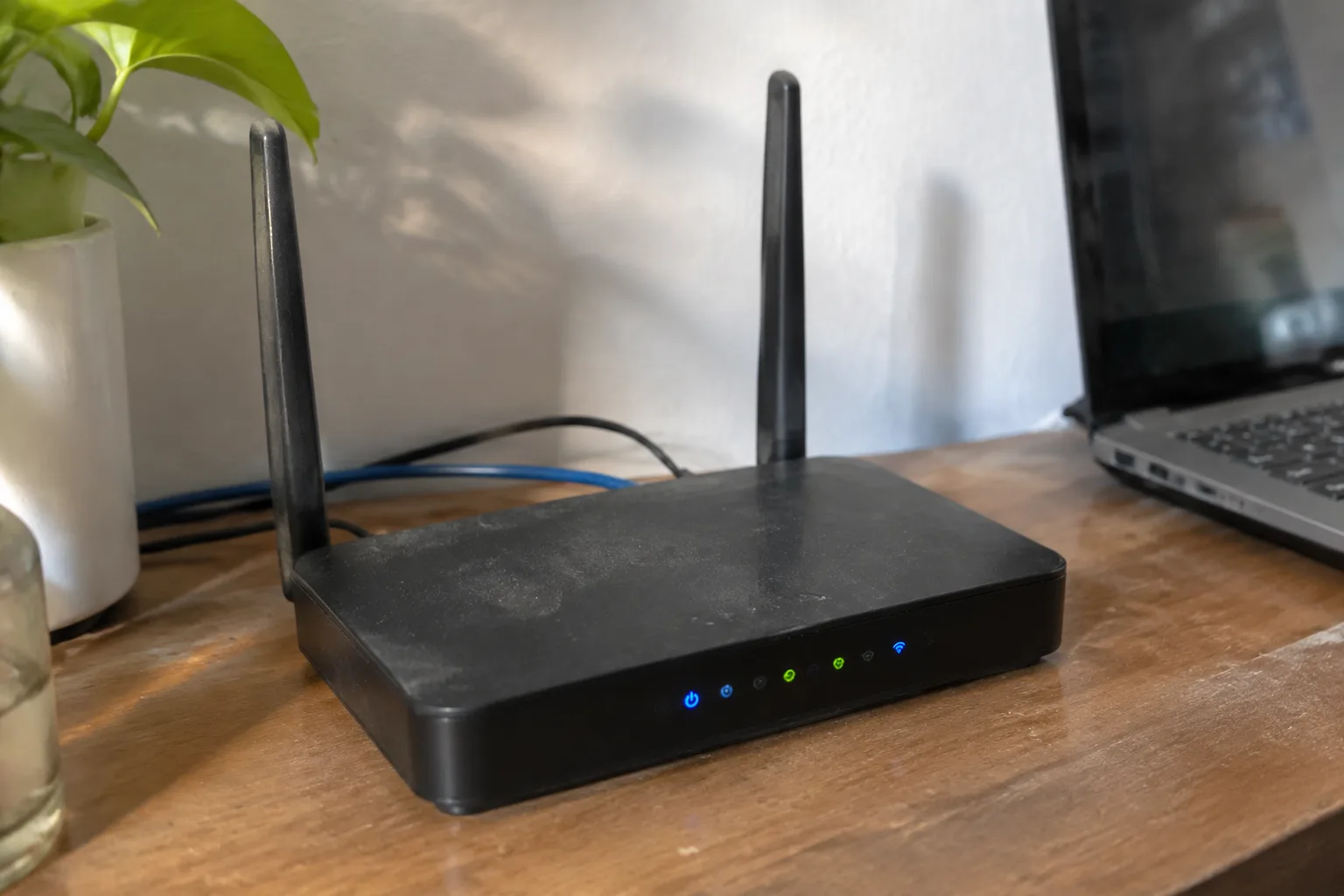
The router that arrives in the post is a small black slab, usually with three or four antennas and a browser login page that looks like it was designed in 2009. Most people buy one because their ISP's box has started dropping video calls, or because a work laptop now demands a VPN client that the family router refuses to run. The VPN router sits in a strange middle ground: more expensive than a mesh node, less capable than a small firewall, marketed with a fog of acronyms that hides some genuinely important differences.
The case for buying one is narrow and real. A router that terminates a VPN at the edge covers every device on the network, including the smart TV, the games console, and the tablet that cannot install a VPN app. That is the whole appeal. It is also where most buyers stop thinking and start clicking "add to basket" on whatever model has the most stars.
A better purchase decision starts with the silicon inside the box, because VPN throughput is the number almost every product page hides.
The throughput number the box does not print
Advertising for consumer routers is built around the wireless standard and the raw radio speed: AX3000, BE6500, and similar badges that describe the Wi-Fi link at its theoretical best. None of those figures say anything about how fast the router can push traffic through an encrypted tunnel. Encryption is expensive work. A router that happily moves 900 Mbps of unencrypted traffic may collapse to 80 Mbps once WireGuard or OpenVPN is switched on.
This is the single most useful spec to look for, and it is usually buried in a support forum thread or a firmware changelog rather than the sales page. Makers of VPN-focused routers, and the small community of people who benchmark them, tend to publish tunnel throughput for WireGuard and OpenVPN separately, because the two protocols impose very different loads. A model that manages 300 Mbps on WireGuard might manage 90 Mbps on OpenVPN. If the plan is to route a whole household through a commercial VPN service, that gap is the difference between smooth streaming and a spinning wheel.
WireGuard has become the sensible default for new hardware. Its handshake is lean, it reconnects quickly after a dropped link, and it is far kinder to a modest CPU. OpenVPN remains the compatibility fallback, particularly with older providers and corporate setups, so a router that supports both is worth the small premium.
CPU and RAM decide whether the tunnel holds up
Behind every encrypted packet is arithmetic, and the chip doing that arithmetic matters more than the antenna count. A router with a current-generation ARM processor and hardware crypto acceleration will hold a tunnel at a steady rate while also running a household's worth of connections. An older or budget chip will manage the tunnel until someone starts a backup job, at which point latency spikes and the video call freezes.
RAM matters for a subtler reason. VPN clients, DNS handling, firewall rules, and any ad-blocking or traffic-shaping features all live in memory, and a router with 256 MB will start swapping or dropping connections once several of those run at once. Half a gigabyte is a comfortable floor for a VPN router in 2024, and a gigabyte gives room for the kind of always-on setup that does not need babysitting.
Storage is the third leg. Cheap routers ship with a sliver of flash that leaves almost no room for firmware updates, let alone the packages that make a VPN setup pleasant. A model with a USB port for external storage, or a documented path to install community firmware, tends to age far better than one that is sealed shut.
Firmware is the part that decides the router's real features
Two routers with identical internals can behave like different products depending on the software on top. The stock firmware on most consumer boxes is a locked-down web interface with a handful of toggles. The same hardware running OpenWrt, DD-WRT, or a vendor's own VPN-centric build can do policy routing, split tunneling, per-device kill switches, and scheduled tunnel activation.
For a VPN router, split tunneling is the feature that separates a usable setup from a frustrating one. It lets a person send only the work laptop or the streaming box through the tunnel while the rest of the house browses normally. Without it, every device inherits the tunnel's latency and the provider's bandwidth cap. A kill switch is the other non-negotiable: if the tunnel drops, traffic must stop rather than leak onto the open connection.
Before buying, check whether the model appears on the supported-hardware list for the firmware in question, and whether that support is current. A router that was fully supported two years ago but has since been abandoned is a liability, because security patches stop arriving while the device stays on the network.
Ports, Wi-Fi generation, and the wired backbone
The physical ports deserve more attention than they usually get. A VPN router with gigabit WAN but only 100 Mbps LAN ports will throttle the whole network to a tenth of what the line can carry. This sounds like an obvious mistake, and it is common enough on budget models that the port speed belongs on the checklist right after the tunnel throughput.
Wi-Fi generation matters less than the marketing implies, but it still matters. A router limited to Wi-Fi 5 will serve most homes well, yet a household with several newer devices and a fast fibre line will feel the ceiling. Wi-Fi 6 hardware is now the sensible baseline, and Wi-Fi 7 is arriving at prices that make it a reasonable splurge for a setup meant to last five years.
The wired backbone is where the VPN router earns its keep. Wired backhaul between a router and any mesh nodes is consistently faster and more stable than wireless backhaul, and it keeps the tunnel's overhead off the radio. A model with at least one 2.5 Gbps port future-proofs the LAN side without demanding a full upgrade now.
VPN provider compatibility is not universal
A router that supports WireGuard does not automatically work with every VPN service. Providers differ in how they hand out configuration files, whether they support the router's built-in client, and whether they allow multiple simultaneous connections. Some vendors ship their own firmware with a short list of supported providers baked in, and the list is often shorter than the marketing suggests.
The practical check is to read the provider's own router setup guide and confirm the exact model, or at least the firmware, appears there. A provider that offers generic WireGuard config files is the most flexible, because it works with almost any router that can import them. A provider that only supports its own proprietary app is a poor match for a router-based setup.
It is also worth checking whether the plan allows the number of devices the household actually has. A router counts as one connection in most providers' eyes, but the traffic from every device behind it shares that single tunnel and its bandwidth cap.
What the price actually buys
The market splits into three rough tiers. Budget VPN routers sit under a hundred pounds and usually trade tunnel throughput and RAM for price, which is fine for a single laptop or a small flat. Mid-range models a little above that add current silicon, more memory, and better firmware support, and they are the sweet spot for most households.
The upper tier is where the router starts to overlap with small business networking gear. These boxes carry multi-core processors, several gigabytes of RAM, and vendor firmware built around site-to-site tunnels and policy routing. For a home user, the extra spend buys headroom and longevity rather than features that will be used on day one.
A useful rule of thumb: spend on the processor and the ports, save on the antennas. The radio is rarely the bottleneck in a VPN setup, and the money is better placed where the encryption actually happens.
The return window is the real test
No spec sheet substitutes for a week of real use. The sensible approach is to buy from a retailer with a generous return policy, set the router up with the actual VPN provider and the actual devices, and measure. Run a speed test through the tunnel at peak household hours. Check the latency on a video call. Watch whether the tunnel survives a router reboot without manual intervention.
If the household's main use is a single work laptop that already runs its own VPN client, the case for a VPN router weakens considerably. The router earns its place when several devices need coverage, or when a device cannot run a client at all. A games console, a smart TV, or a tablet is where the edge tunnel proves its worth.
The purchase that goes wrong is almost always the one made on the strength of the Wi-Fi badge alone. The router that goes right is the one chosen for its processor, its ports, and the firmware community behind it, then tested in the house it will actually serve. A box that holds a stable tunnel at 200 Mbps while the household streams, works, and games at the same time is worth more than any number on the front of the packaging.


