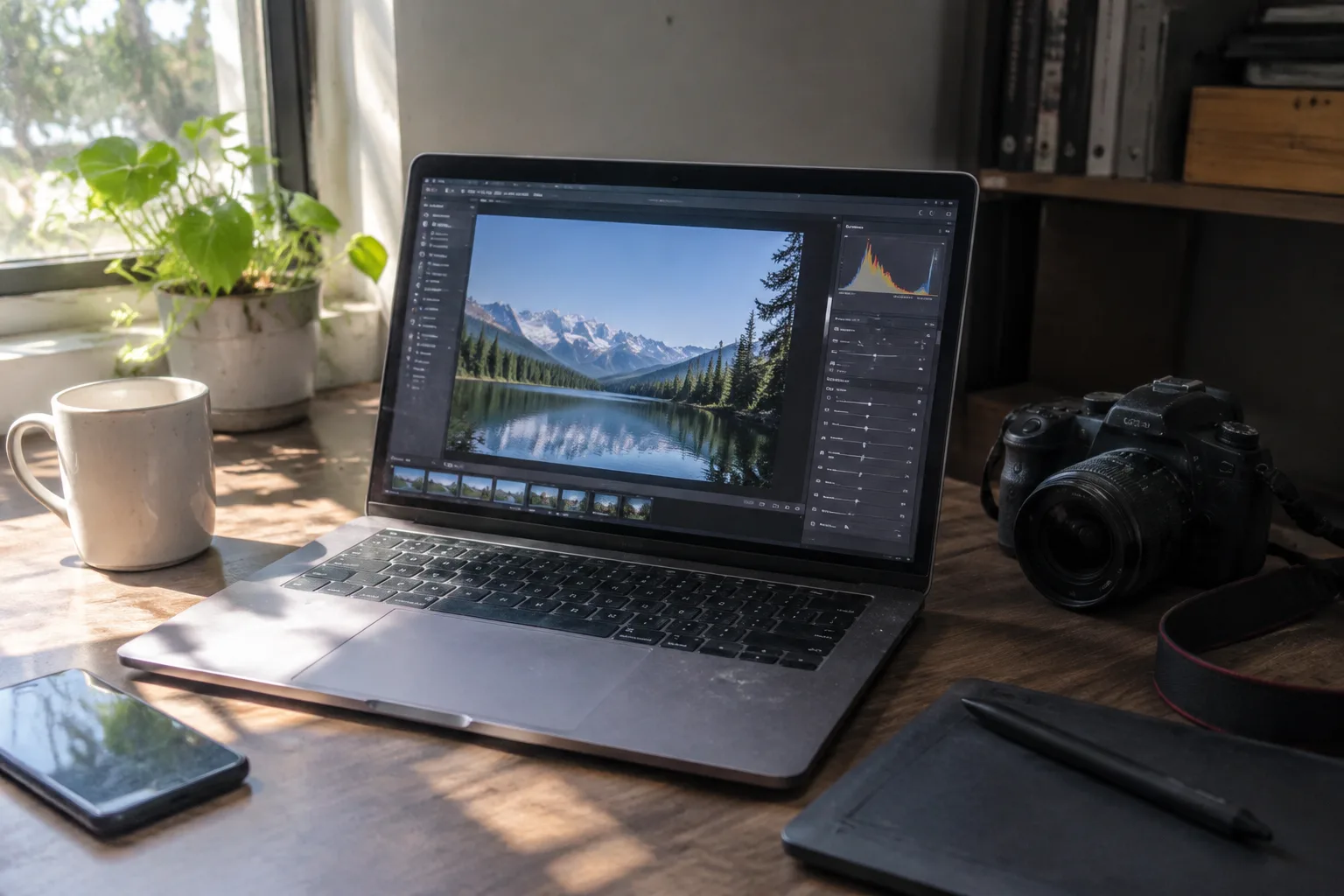
One thousand dollars buys a genuinely capable photo-editing laptop in 2024, which was not true five years ago. The spec that matters most for editing photos, a screen that covers the full sRGB color space and ideally most of DCI-P3, has trickled down into midrange machines. The processors have followed. The result is a market where the hard part is not finding a good option but avoiding three or four expensive mistakes that look fine on a spec sheet.
Before naming machines, it helps to understand what a photo editor actually stresses. Adobe Lightroom and Photoshop lean on single-core processor speed for most interactive work: dragging a slider, brushing a mask, opening a raw file. The graphics card matters less than marketing suggests, though it helps with some newer AI features. The screen matters enormously, and so does the amount of memory, because Lightroom's develop module can chew through 16 GB quickly on a 45-megapixel file.
That hierarchy, screen first, memory second, processor third, graphics last, runs opposite to how laptops are advertised. Retail listings lead with the GPU and the clock speed. A buyer who follows the listings ends up with a machine that renders games beautifully and shifts blue skies into teal.
The screen trap that catches most buyers
Panel quality is the single most consequential choice under $1,000, and it is the spec most often left vague. A laptop can list a 1920 by 1200 resolution and a "100% sRGB" claim that holds up only at maximum brightness with a specific color profile loaded. Some budget panels dim noticeably when unplugged, which wrecks editing on battery. Others ship with a factory white point so cool that skin tones look anemic before any adjustment.
The practical defense is to favor machines with published color coverage numbers from a reputable tester rather than the manufacturer's own marketing. OLED panels have become common at this price. They deliver near-perfect blacks and typically full P3 coverage, but a small subset of people find the low-frequency pulse-width modulation of some OLED screens fatiguing during long editing sessions. That sensitivity is real and worth checking in person before committing.
Apple's position at the ceiling
The 13-inch MacBook Air with the M2 chip sits right at the $999 line and remains the reference point for this budget. Its screen covers essentially the full P3 gamut, its battery runs through an entire day of culling and editing, and the M2 handles 24-megapixel raw files without complaint. The fanless design means it throttles under sustained export loads, so a batch of 500 photos will take longer than on a fan-equipped machine, but the interactive editing experience is smooth.
The catch is storage and memory. The base model's 8 GB of unified memory is workable for Lightroom alone but feels tight with Photoshop open alongside it, and 256 GB of storage fills fast when a single wedding shoot can be 60 GB. Upgrading either pushes the price past the budget. A buyer who edits occasionally and stores catalogs on an external drive will be happy. A buyer who works with large files daily should look at Windows machines where 16 GB and 512 GB fit inside the ceiling.
Windows machines that get the panel right
Dell's XPS 13 has hovered near this price during sale periods, and its 13th-generation Intel configuration with 16 GB of memory is the more flexible choice for heavy catalogs. The keyboard and trackpad are excellent for the long culling sessions that editing actually involves. The screen options vary by configuration, so the specific panel matters more than the model name, and the base FHD+ display is good rather than exceptional.
Lenovo's Yoga Slim 7 line offers a 2.8K OLED panel at prices that occasionally dip under the ceiling, and the 16 GB memory configuration handles Photoshop layers comfortably. The OLED's color coverage is the strongest argument here. The tradeoff is battery life, which lands several hours short of the MacBook Air under mixed use. For a photographer who edits at a desk most of the time, that trade is easy to accept.
Asus has pushed OLED into its Vivobook line aggressively, and the Vivobook Pro 15 with an OLED panel and a discrete graphics chip lands close to the budget on sale. The dedicated GPU speeds up some AI-driven features in newer editing software, and the panel covers the full P3 space. The build quality is a step below the Dell and Lenovo machines, and the fans get loud under load, but the color performance per dollar is hard to beat.
Why 16 GB of memory is the real floor
Editing software has grown comfortable with memory over the past several years. Lightroom's catalog and previews, Photoshop's scratch disk behavior, and the background processes of a modern operating system together make 8 GB a genuinely constrained experience once files get large. A 16 GB machine under $1,000 is achievable now, and it extends the useful life of the laptop by years.
The exception is the Apple silicon machines, where unified memory behaves differently and 8 GB handles more than the number suggests. Even there, the ceiling is real. A photographer who plans to keep the laptop for four or five years should treat 16 GB as the target and accept a slightly lesser processor to get it.
The colorimeter question
No laptop under $1,000 ships with a factory calibration trustworthy enough for critical color work. A $150 colorimeter, borrowed or bought, turns a good panel into a reliable one and pays for itself the first time a print matches the screen. This is the least glamorous advice in the category and the most useful. A calibrated midrange panel beats an uncalibrated premium one every time.
The calibration also reveals whether a panel can actually hit its advertised coverage or whether the marketing stretched the truth. A quick profile check after purchase settles the question and, in the case of a genuinely bad panel, justifies a return within the retailer's window.
Storage, ports, and the external drive habit
Internal storage at this price tops out around 512 GB and often lands at 256 GB. Photo libraries outgrow that quickly, so an external SSD becomes part of the working setup rather than an accessory. A fast USB-C drive holding the active catalog keeps the internal drive free for the operating system and applications, and it moves between machines without drama.
Port selection deserves a mention because it shapes daily friction. A machine with only two USB-C ports forces a hub into the bag. One with an SD card reader, a full-size USB-A port, and HDMI removes that hassle entirely, which matters for a photographer who imports cards constantly. Several Windows laptops at this price still include the reader; the MacBook Air does not.
What the graphics card actually does for photos
Discrete graphics get oversold in this category. Lightroom's GPU acceleration helps with preview rendering and some display tasks, and newer AI masking features lean on it, but the gains over integrated graphics are modest for still photography. A machine with a strong processor and integrated graphics will feel faster in day-to-day editing than a machine with a weak processor and a discrete GPU, and the former usually has better battery life.
Video work changes the calculus, but the title here is photo editing, and the budget should follow the title. Spending on panel quality and memory returns more than spending on a graphics chip that sits idle through most of a culling session.
The refurbished route worth considering
Certified refurbished units from manufacturers and major retailers stretch the budget further than most buyers expect. A previous-generation premium machine with a known-good panel, 16 GB of memory, and a proper warranty can land well under $1,000 and outperform a new midrange laptop on every metric that matters for editing. The risk is warranty length and battery health, both of which are checkable before purchase.
For a photographer who values the screen above all else, the refurbished market is where a genuinely excellent panel becomes affordable. The trade is paperwork and a shorter return window, and the payoff is a machine that would have cost $1,400 new.
A short list with reasons attached
The MacBook Air M2 at $999 is the safest default for a buyer who edits in Lightroom, values battery life, and can live with 8 GB of memory and external storage. The Dell XPS 13 in a 16 GB configuration is the better pick for heavy Photoshop use and long culling sessions, provided the specific panel in stock is the good one. The Lenovo Yoga Slim 7 with its OLED screen suits a photographer who edits at a desk and wants the widest color coverage available at the price.
The Asus Vivobook Pro 15 OLED is the value play for someone who wants a discrete GPU and a strong panel together. A certified refurbished premium machine is the wildcard that beats all of them on screen quality for a buyer willing to do the homework.
The $40 that changes the outcome
The single highest-return purchase alongside any laptop on this list is a calibration device, and the second is a fast external SSD. Together they cost less than a memory upgrade and fix the two weaknesses every budget machine shares: an unverified panel and cramped storage. A photographer who buys a $900 laptop and spends $200 on those two items ends up with a more reliable editing station than one who spends $1,100 on the laptop alone.
That arithmetic is the quiet argument running under this entire category. The laptop is the foundation, and the foundation under $1,000 is finally solid enough to build on. The rest of the budget belongs to the screen and the drive, and the buyer who understands that ends up with images that match what the camera captured.


